Same-Day Home Security Installation: A Clear Guide
A same-day security installation can make sense after a move, a break-in, or a sudden change in your routine. The fastest option is usually a ready-to-use kit with a few wireless sensors and professional monitoring, not a custom system with hardwired cameras, smart locks, and every possible add-on.
Speed can expose you to vague quotes and rushed decisions. You can still get a useful setup today if you define the job clearly, compare the monitoring terms, and keep the first visit focused on the doors and spaces that matter most.
When is same-day security installation the right choice?
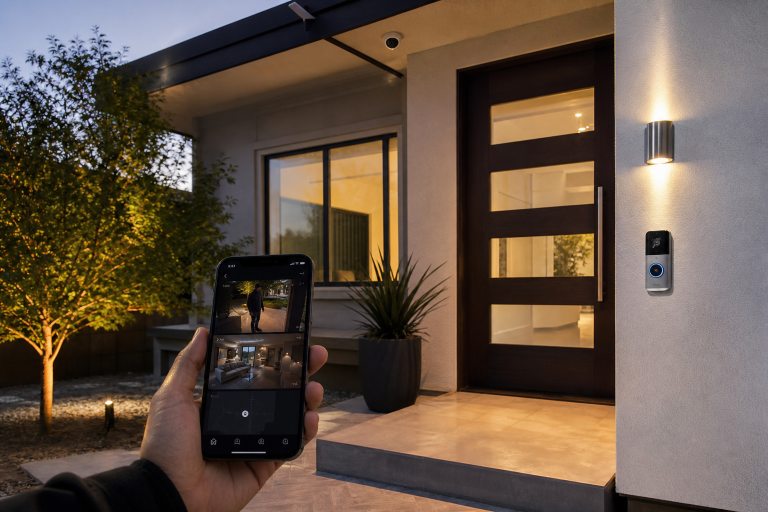
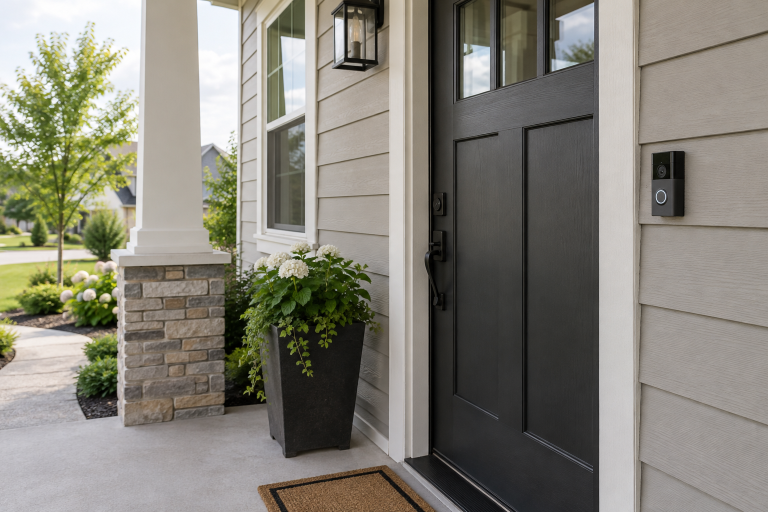
A limited wireless setup is usually the practical same-day choice when you need basic detection and a way to request help quickly. It can cover a front door, a back door, and a main living area without opening walls or running cable through an attic.
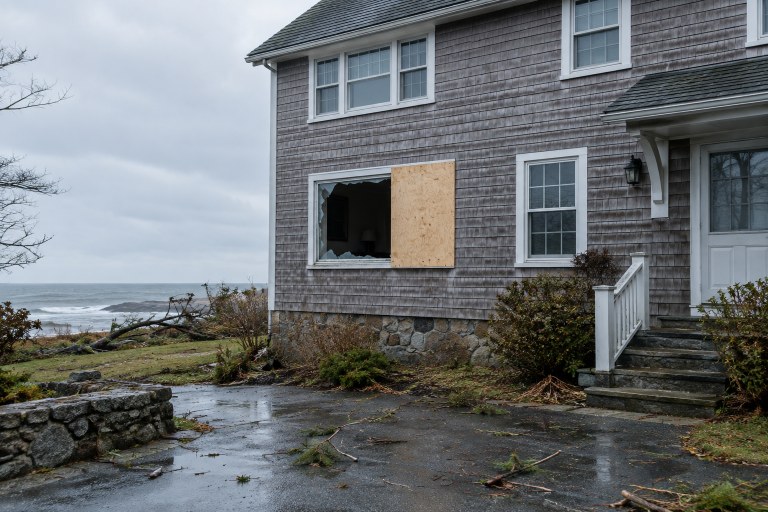
This is especially reasonable if you have just moved in, lost keys, or want an immediate layer of protection while you decide on a larger plan. If you are responding to an active break-in or see signs that someone may still be inside, call 911 rather than waiting for an installer. For the hours and days after a break-in, see home security steps to take after a break-in.
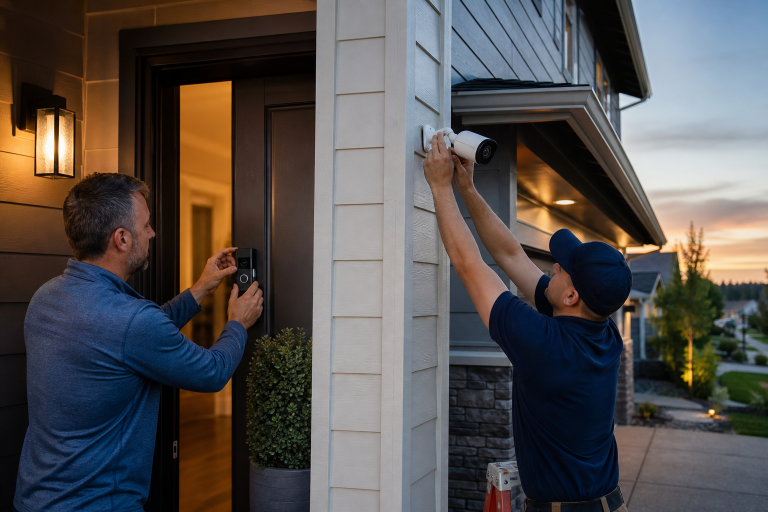
Same-day service has limits. A technician may be able to mount a few battery-powered devices quickly, but a larger camera layout may need a separate visit. Outdoor cameras can need a safe power route, strong Wi-Fi, and a view that avoids glare from a porch light.
What does same-day home security installation cost?
About $300 to $1,500 is a broad 2025 marketplace range for a professionally installed home security system, according to Angi’s 2025 home-security cost guide. A same-day appointment can sit near the lower end when you choose a small wireless package. More sensors, camera mounting, or difficult cable routing can push the total higher.
That range is a planning figure, not a quote. Equipment, labor, activation, permits, taxes, and monitoring may appear as separate charges. Ask for the full first-year cost in writing before you approve the work.
You may not need a whole-house package on day one if your immediate concern is two exterior doors and one central room. A compact monitored kit is often enough for that short-term need. Paying for six cameras, glass-break sensors in every room, and a smart lock bundle before you know your layout and requirements can turn urgency into unnecessary expense.
Monthly monitoring is separate from installation in many plans. The price depends on whether the service receives alarm signals only, includes cellular backup, or supports video verification. Do not compare a low monthly number with a higher one until you know the contract length, cancellation terms, and whether the provider can change the rate after an introductory period.
Which equipment can usually be installed quickly?
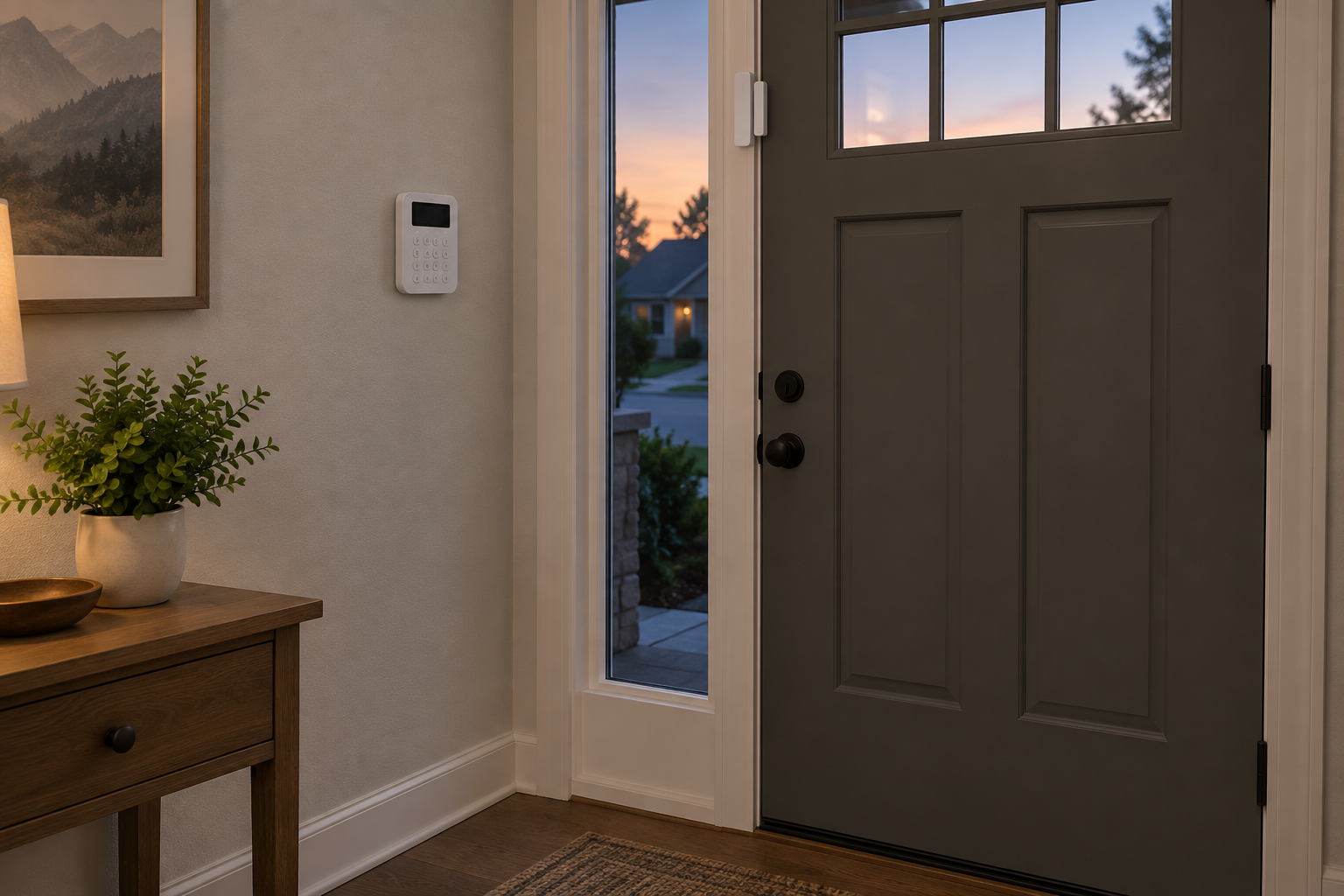
Battery-powered components are generally the quickest path because they avoid new wiring. A basic package often includes a control panel, contact sensors, a motion detector, and a siren. A contact sensor uses two small pieces that separate when a door or window opens.
Placement matters more than a long device list. A sensor on the door from the garage into the house can be more useful than another sensor on a rarely used interior window. Tell the installer which entry points you actually use and whether you have pets that move through the protected rooms.
Underwriters Laboratories, now UL Solutions, publishes UL 1023 for household burglar-alarm system units and UL 827 for central-station alarm services. Those standards are relevant when you are comparing listed alarm equipment and a monitoring operation, but they do not tell you which package fits your house. Ask whether the specific panel and the monitoring service are UL listed, then ask what that listing covers.
Wired door contacts, power-over-Ethernet cameras, and concealed wiring often take longer. They may be the better long-term choice in a renovation or a house with planned camera locations. They are rarely the best reason to delay a simple same-day alarm setup.
Should you choose professional monitoring or self-monitoring?
Professional monitoring is worth considering when you want an alarm center to receive signals and follow its dispatch procedures when you cannot answer your phone. Self-monitoring sends alerts to you through an app, so you decide whether to call for help.
Neither choice makes a system automatic in every situation. Read the provider’s response policy. Confirm which events trigger a call, whether the center attempts to reach you first, and what happens if your internet connection drops.
Cellular backup may be important if you rely on professional monitoring. It can allow the panel to communicate when your home internet is unavailable, provided the system has power and an active cellular plan. Ask whether cellular service is included in the advertised monthly price.
Self-monitoring can be the simpler, cheaper fit for a small apartment or a temporary setup when you are often available to receive alerts. Do not pay for premium video monitoring just because an installer presents it as required. It is an optional service unless the quoted system and your own needs make it worthwhile.
What should you confirm before the installer arrives?
A clear scope prevents the most common same-day problem, like agreeing to a visit but learning later that the quoted price excluded key work. Send photos of the doors, the desired panel location, and any camera locations before the appointment.
- Ask for the installed price, including equipment, labor, activation, tax, and any same-day fee.
- Ask whether the monitoring plan has a contract, an early-cancellation charge, or a price increase after a promotional period.
- Ask who owns the equipment if you cancel monitoring and whether you can use it with another service.
- Ask whether your city or county requires an alarm permit and whether the provider files it or leaves that task to you.
Also ask how the system communicates. A panel may use Wi-Fi, cellular service, or both. If your router is in a basement cabinet or your signal fades at the far end of the house, show that to the installer before devices are mounted.
Some providers quote a broad “starting at” price and add devices after arriving. That is not automatically improper, but the final scope should be specific. Do not approve added equipment simply because it is already in the technician’s vehicle.
How can you protect your privacy during a rushed setup?
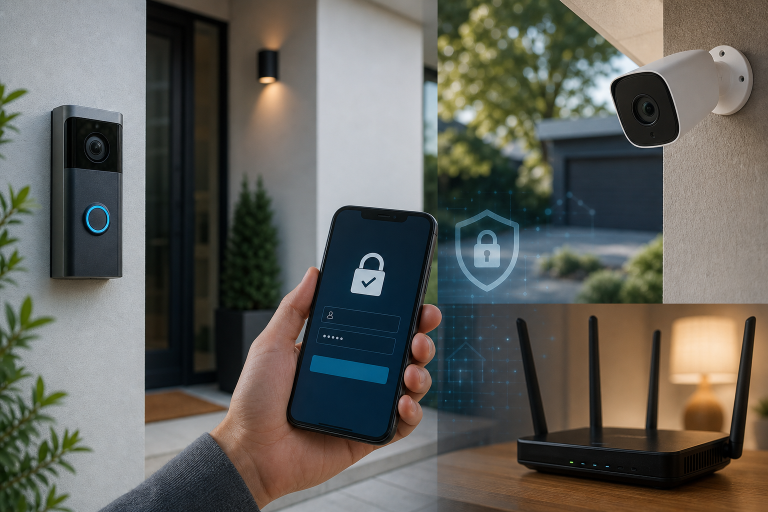
Use unique account credentials and turn on multi-factor authentication before relying on a camera or alarm app. The Federal Trade Commission’s guidance on securing a home Wi-Fi network recommends changing the router’s default password, using WPA3 or WPA2 security, and keeping router software current.
Ask the installer to show you the account owner email, recovery options, and every person with shared access. Create your own password instead of giving one to the technician. Remove any temporary installer access before the appointment ends.
Indoor cameras deserve a separate decision. A door contact can tell you that a door opened. An indoor camera can capture activity in a private room. You may prefer sensors in bedrooms and cameras only at exterior approaches.
For a broader review of account risks and camera access, read data security risks in home security cameras. Device firmware matters too. Ask where updates appear in the app and whether you must approve them.
FAQ
Can a home security system really be installed the same day?
Yes, a small wireless alarm system can often be installed and activated in one appointment when equipment is available and your home has a workable internet or cellular connection. Custom wiring, several cameras, or unusual mounting conditions may require another visit.
Do you need professional monitoring for a same-day system?
No, you can use many systems with self-monitoring if you are comfortable receiving app alerts and deciding what action to take. Professional monitoring adds an alarm center and recurring cost, so ask for its exact response process before enrolling.
Will a same-day installer need access to every room?
No, access is needed only where the agreed equipment will be placed, tested, or connected. Limit the scope to the doors, rooms, and camera locations listed in your quote, then add more coverage later if it proves useful.
Can you cancel a security monitoring contract after installation?
Possibly, but the answer depends on the service agreement and any applicable cancellation rules in your location. Read the cancellation section before signing, and ask for the total charge if you end service early. If you need help comparing a same-day quote with a smaller monitored setup, request a written assessment from a local security provider. Please call a listed provider for a free, no-obligation discussion.
Sources: Angi, “How Much Does a Home Security System Cost?” 2025 cost guide; UL Solutions, UL 1023 and UL 827 standards information.