Home Security: Monitored vs Self-Monitored Systems Explained
Focus Keyword: home security
Security choices usually come down to one practical decision: do you want a professional monitoring center watching for alarms, or do you want alerts sent only to you? Both models can work. The better fit depends on how quickly you can respond, how much automation you want, and whether you are comfortable managing alerts yourself.
This guide breaks down monitored and self-monitored systems using current manufacturer documentation, standards guidance, and published pricing so you can compare them on clear terms instead of marketing claims.
What is the difference between monitored and self-monitored home security?
The core difference is who receives the alarm and what happens next. In a professionally monitored setup, alarm signals go to a monitoring center that follows the provider’s response process. In a self-monitored setup, alerts usually go to your phone through the brand’s app, and you decide whether to check cameras, dismiss the alert, call a neighbor, or contact emergency services.
According to the Electronic Security Association, professionally monitored systems are designed so alarm signals are handled by a monitoring center, while unmonitored or self-monitored systems rely on the user to receive and act on notifications. That distinction shapes almost every other buying decision, including monthly cost, response workflow, and how useful the system is when you are asleep, traveling, or in a meeting.
How does professional monitoring actually work?
A professionally monitored system usually sends alarm events through cellular, Wi-Fi, or both to a central station that reviews the signal and follows a documented response procedure. Depending on the provider and the event type, that may include calling you, checking for a safe word, reviewing available video verification features, or requesting police, fire, or medical dispatch if the service includes those categories.
Under the UL Solutions standard for monitoring centers, facilities that handle alarm signals can be evaluated for central station services and related operating requirements. In plain terms, that means there is an established framework for how listed monitoring centers are expected to operate. It does not guarantee any single outcome, but it does separate a real monitoring operation from a simple app notification service.
Manufacturer support documents from ADT, SimpliSafe, and Ring all describe a similar basic chain: sensor triggers, signal reaches the platform, the system follows the account’s monitoring settings, and the user may receive calls, texts, or app alerts during the event.
What happens with self-monitored home security?
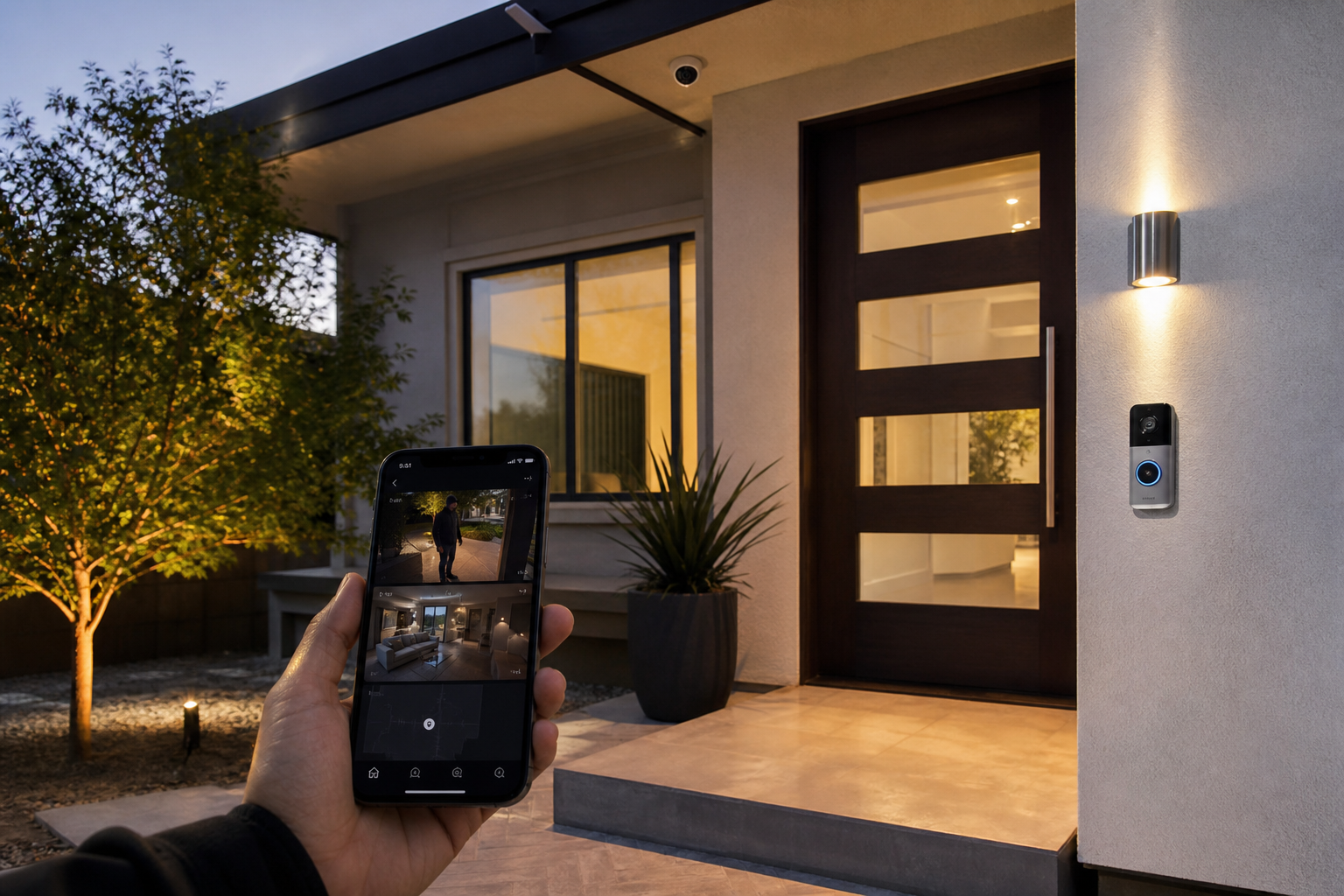
A self-monitored setup puts the response burden on you. When a door sensor, motion detector, camera, or video doorbell detects activity, the app sends a push notification or recorded event so you can review it and decide what to do.
Published support guidance from Ring and Arlo shows that self-monitoring commonly includes live view, motion alerts, recorded clips if you pay for storage, and device controls inside the app. Those features can be enough for many households, especially if your main goal is package monitoring, front-door awareness, or checking on the house while you are away.
Still, self-monitoring works best only when notifications reach you, your phone is charged, your internet connection is stable, and you are able to assess the alert quickly. If any of those links fail, the system may still record the event, but no third party is stepping in on your behalf.
How much do monitored and self-monitored systems cost in 2026?
Monthly monitoring plans commonly start around $20 to $50 in 2026, while self-monitored setups can cost $0 per month for basic alerts or more if you add cloud storage and premium app features. For equipment, starter kits often range from about $150 to $600 depending on the brand, sensor count, and whether cameras are included, based on 2026 published pricing from SimpliSafe, Ring, and Abode.
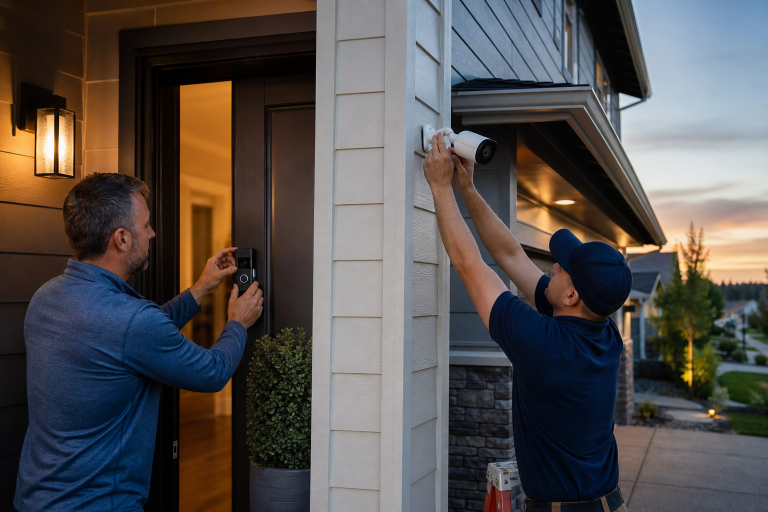
For homeowners adding cameras, installation can become a separate line item. Abodence covers that in its security camera installation cost guide, which is useful if your plan includes more than a doorbell and a few peel-and-stick sensors.
Professional monitoring cost is usually easier to compare than equipment cost. Providers generally publish one or two monthly tiers, while hardware bundles change often with promotions, add-on sensors, and seasonal discounts. If you are comparing quotes, look for the regular monthly rate, not just the first-year promo.
Ask whether the published price includes these items:
- Cellular & battery backup
- Cloud video storage
- Professional dispatch for burglary alerts
- Smoke or carbon monoxide monitoring, if offered
- Extended warranty or device replacement terms
- Contract length and cancellation terms
Vague pricing is one of the most common problems in this category. A low advertised monthly number can exclude video history, extra users, or the monitoring features that made the plan attractive in the first place.
Which option is better for emergency response?
Professional monitoring is usually the stronger choice when you want alarm handling to continue even if you miss the alert. That is the central value of the service. A self-monitored system can notify you quickly, but it cannot call on your behalf unless the platform specifically offers that feature through a paid plan.
According to the Federal Trade Commission, homeowners should understand whether a system is monitored, what service is included, and what happens if the alarm goes off. The FTC also advises reviewing contract terms and cancellation details before signing up. Those points are especially important because some brands market the same hardware with very different service levels depending on the plan you choose.
Faster response is not the same as guaranteed dispatch. Local policies, alarm verification rules, and call handling procedures all affect what happens after a signal is received. Some jurisdictions also have false alarm ordinances or permit requirements, which can change how police response works. Check your city or county rules before you assume every monitored alarm leads to the same result.
Is self-monitoring enough for most homes?
For many households, app-based alerts are enough when the goal is awareness rather than third-party response. If you mainly want to know when a package arrives, when a child gets home, or whether a back door opened, self-monitoring can cover that without a monthly monitoring bill.
This is where being honest about your routine helps. If you keep your phone nearby, respond quickly to alerts, and already use smart locks, cameras, and video doorbells, a self-monitored setup may be all you need.
On the other hand, if you travel often, work in places where you cannot check your phone, or want overnight alarm handling without relying on yourself, the cheaper option may stop short of what you actually want the system to do.
What features should you compare beyond monitoring?
The best comparison points are the ones that affect daily use: power backup, communication backup, app quality, sensor variety, and how the system handles video. A flashy product page means less than the details in the specifications and support documents.
Does the system have backup power and backup communication?
Battery backup keeps the base station running during a power outage for a limited time, and cellular backup can keep alarm signals moving if home internet goes down. Manufacturer specifications from SimpliSafe and Abode list backup battery durations and identify which plans or devices support cellular communication.
If the system depends entirely on home Wi-Fi and wall power, you are buying convenience, not much resilience.
How well do cameras and doorbells fit into the system?
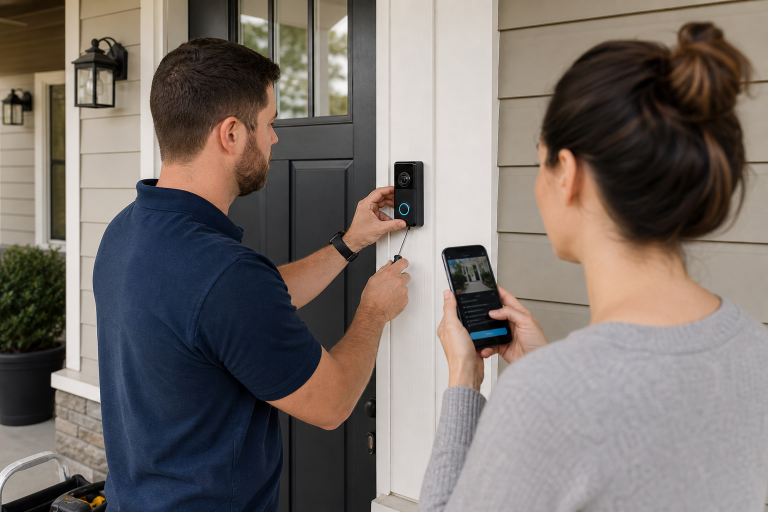
Integrated video can make alerts easier to verify because you can see whether the event was a person, a pet, or a delivery. For many homeowners, a video doorbell is the first step before a full alarm system. Abodence explains the setup basics in its smart video doorbell installation guide.
Can you expand the system later?
Expandable systems are easier to live with because most homeowners start small. Common add-ons include glass-break sensors, water leak sensors, smart locks, garage controls, and smoke or carbon monoxide detectors, depending on the platform.
Expansion matters more than brand prestige. A modest system that fits your entry points and routine is usually more useful than an expensive bundle with devices you will never place.
When is professional monitoring worth the monthly fee?
The monthly cost is easier to justify when you need coverage during the hours you are least available. That often means overnight, during travel, or in homes where older relatives or teens may be present without another adult ready to assess an alert.
Professional monitoring may also make sense if your insurance carrier offers a discount for qualifying alarm service. The Insurance Information Institute notes that some insurers reduce homeowners insurance premiums for security and safety devices, though the amount varies by company and system type. Ask your insurer what documentation they require before you assume the discount offsets the monthly fee.
There is also a practical point many buyers miss. If you know you will turn off noisy alerts, ignore motion notifications, or stop checking clips after a month, paying for a service layer may be more realistic than assuming you will self-manage the system forever.
When is self-monitoring the smarter buy?
Skipping professional monitoring often makes sense when you want visibility, not dispatch. That is common in apartments, smaller homes, vacation rentals with local oversight, or households that already have strong neighborhood awareness and mainly want cameras, doorbell footage, and entry alerts.
Self-monitoring is also the simpler option if you dislike contracts, want to avoid recurring charges, or prefer to upgrade devices on your own timeline. Many DIY systems let you mix and match sensors over time without scheduling installer visits or renegotiating service terms.
What should you ask before you buy a smart home security system?
The right questions will tell you more than the marketing page. Use the answers to compare service terms, not just devices.
- What exactly happens after an alarm signal is received?
- Is professional monitoring optional, required, or available only on certain plans?
- Does the base station have battery backup, and for how long?
- Does the system support cellular backup, and is it included in the monthly price?
- Do cameras require a subscription for recorded video?
- Are permits or false alarm fees common in your city or county?
- Is there a contract, and what are the cancellation terms?
- Can you add sensors and cameras later without replacing the hub?
- Does the provider publish warranty terms and replacement policies?
FAQ
Can you use smart home security without a monthly fee?
Yes, many systems work with no monthly fee if you only want self-monitoring, live app alerts, and local device control. Paid plans are usually needed for professional monitoring, cloud video storage, or advanced response features.
Does professional monitoring require a long-term contract?
No, some providers offer month-to-month plans, while others still use longer agreements. The contract terms depend on the company, the equipment offer, and whether installation is bundled into the deal.
Are self-monitored systems reliable enough?
Yes, app-based systems can be reliable for alerts and video review if the hardware is installed correctly and the network connection is stable. Their main limit is that the response depends on you being available to act.
Do monitored systems always call the police automatically?
No, the response process depends on the provider’s procedures, your account settings, and local alarm verification rules. Some services contact you first, and local dispatch policies may affect how alarms are handled.
Is a video doorbell enough instead of a full alarm system?
For entry awareness and package monitoring, a video doorbell can be enough. For whole-home coverage that includes doors, windows, interior motion, and optional professional response, it is only one part of a larger setup.
The better system is the one that matches how you actually live. If you want help comparing monitored and self-monitored options for your home, Abodence can help you sort through the choices and request quotes. Just call one of the listed professionals.
Sources: Electronic Security Association, UL Solutions, SimpliSafe published pricing and support documentation, Ring support documentation, Arlo support documentation, Abode published pricing and specifications