A Home Security Package Guide: Which Devices Are Usually Included?
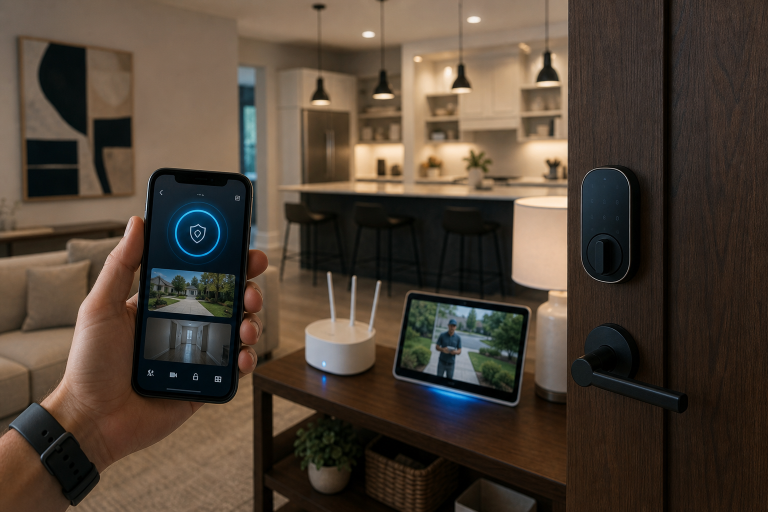
A Home security package often includes a control hub or base station, entry sensors, motion detection, a keypad, a mobile app, and at least one indoor or outdoor alert device. The exact mix depends on whether the package is built for intrusion detection, video monitoring, or full smart-home control.
If you are comparing bundles, the useful question is not which brand looks most impressive. It is which devices are included, what each one does, and what is optional rather than standard.
According to the Consumer Financial Protection Bureau, some insurance companies offer discounts for protective devices such as monitored alarm systems, but the discount and qualification rules vary by insurer. That matters if you are trying to decide whether a basic self-monitored package is enough or whether professionally monitored equipment is worth the higher monthly cost.
What devices are usually in a standard smart home security package?
Most standard bundles center on intrusion detection first, then add convenience features around it. A typical starter package includes the core devices needed to detect a door or window opening, sense motion inside the home, let you arm and disarm the system, and send alerts through an app.
In many current packages, the standard device list looks like this:
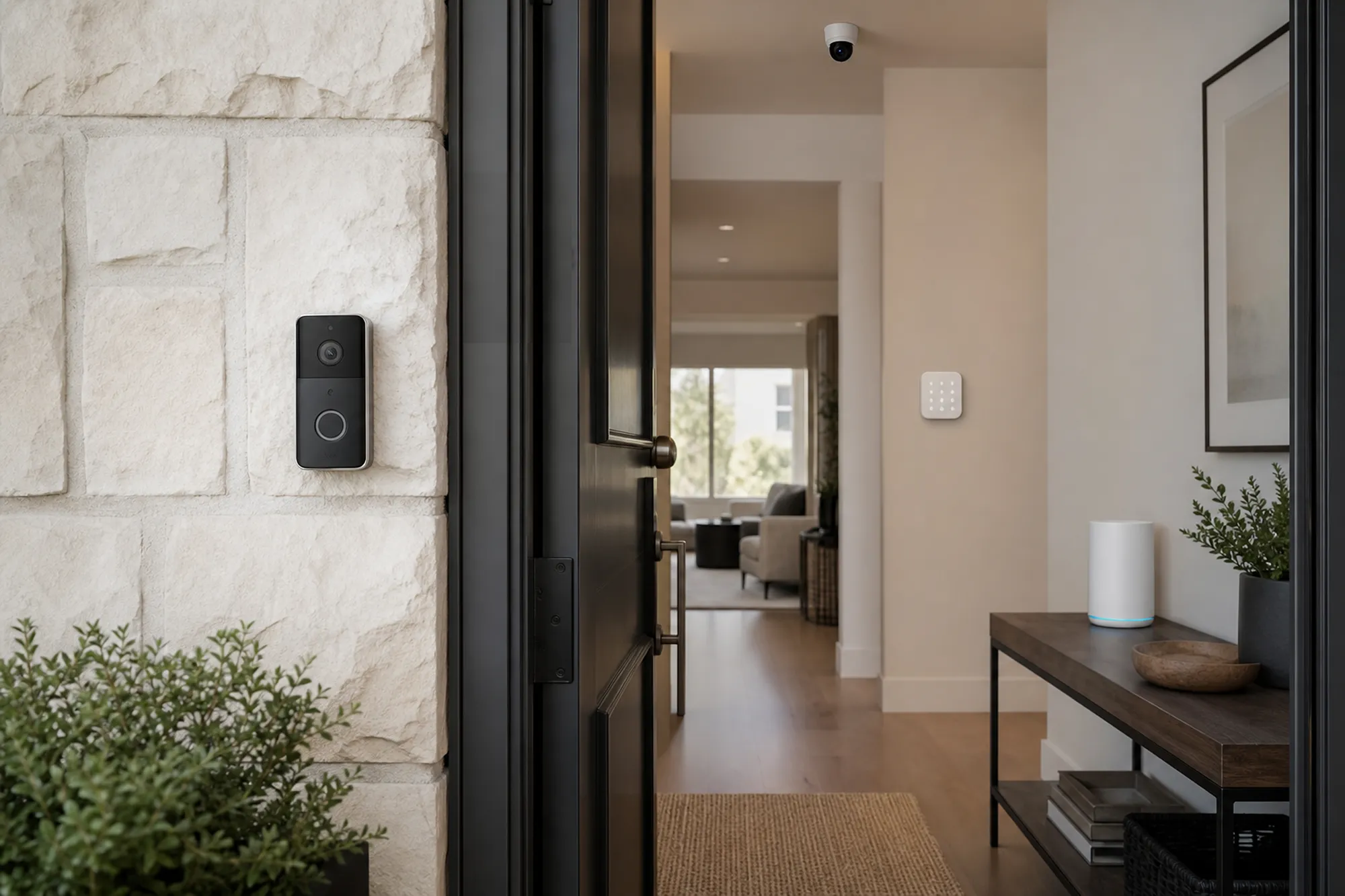
- Base station or hub: the main unit that connects sensors, sounds an alarm, and communicates with the app or monitoring center.
- Keypad: a wall-mounted or tabletop control panel for arming and disarming.
- Door and window contact sensors: small two-piece sensors that trigger when an entry point opens.
- Motion sensor: a passive infrared sensor that detects movement inside a room or hallway.
- Indoor siren or built-in alarm: sometimes built into the base station rather than sold as a separate device.
- Mobile app access: app-based control for alerts, arming status, and user settings.
- Yard sign or window decals: often included as deterrent materials rather than electronic devices.
Manufacturer package pages from SimpliSafe, Ring Alarm, and ADT Self Setup all show this same basic structure, even though the number of sensors and the monitoring options differ.
Does a standard package usually include security cameras?
Many starter systems do not include cameras as part of the standard bundle, even when the brand is well known for video products. Cameras are often sold as upgrades, separate bundles, or optional add-ons because they raise the upfront price and may require a higher subscription tier for cloud recording.
When cameras are included, they are usually one of these:
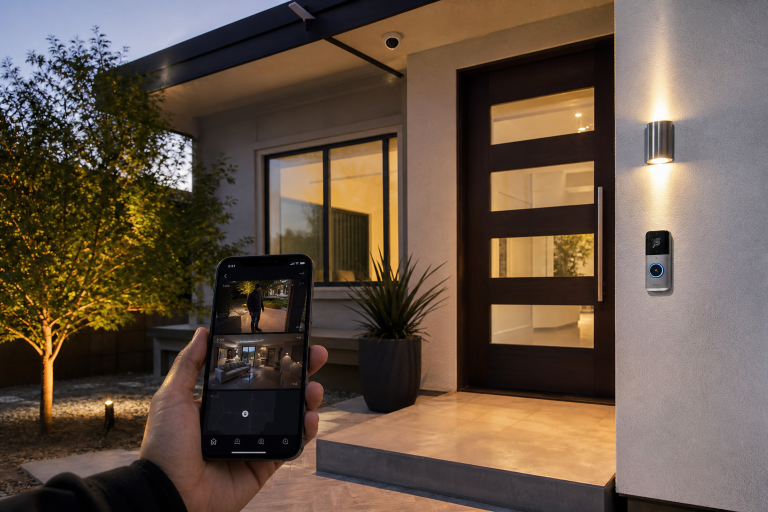
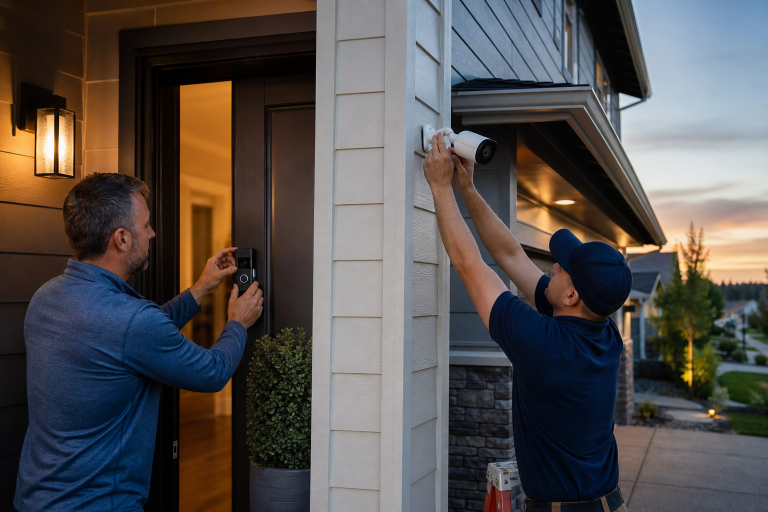
- Video doorbell: records visitors and activity at the front door.
- Indoor camera: monitors interior rooms, entries, or common spaces.
- Outdoor camera: covers driveways, porches, back doors, or yards.
Before assuming video is standard, check whether the package includes the camera hardware itself, cloud storage, local storage, or only live viewing. If you are comparing connected devices, Abodence also has a related guide on smart home security integration that explains how doorbells, locks, and phone controls are commonly tied together.
What does the base station or hub actually do?
The central unit acts as the system’s traffic controller. It receives signals from sensors, triggers the alarm when a rule is met, and passes alerts to your phone or to a monitoring service if you subscribe.
Some hubs also include backup battery power and cellular communication. According to the Federal Communications Commission, you should understand whether a home security system depends on your home power and broadband service, because outages can affect operation unless the system has backup features. In practical terms, that means a package with battery and cellular backup may keep working through conditions that can interrupt a Wi-Fi-only setup.
Which sensors are considered standard, and which are usually add-ons?
Door and window contact sensors are the most common standard items, and motion sensors are usually included in starter kits as well. The rest often move into add-on territory.
Common standard sensors
Most starter bundles include enough contact sensors for a few main entry points, plus one motion sensor for a central interior area. That setup covers the basic job of detecting unauthorized entry.
Common add-on sensors
Environmental and specialty sensors are frequently optional rather than standard. Depending on the brand, these may include glass-break sensors, smoke or heat listeners, C02 detectors, water leak sensors, freeze sensors, panic buttons, and extra sirens.
Published product catalogs from SimpliSafe and Ring Alarm show these devices as separate accessories rather than universal starter-kit items. If a seller uses the phrase full protection, read the equipment list closely instead of assuming it includes hazard detection.
Are smart locks, lights, and thermostats part of a normal security package?
Home automation devices are often compatible with security packages, but they are not always included in the standard package. In most cases, they sit in a separate category of connected accessories.
Common examples include smart locks, smart plugs, smart lighting controls, garage door controllers, and thermostats. These devices can improve routines such as arming the system when you leave or turning lights on when motion is detected, but they are usually not required for the alarm system to function.
According to the National Institute of Standards and Technology, internet-connected devices should be secured with strong account protections, software updates, and careful device management. For homeowners, that makes package simplicity a real advantage. A smaller set of well-supported devices can be easier to manage than a large bundle of loosely used add-ons.
What should you expect from a mobile app and monitoring features?
App control is now a normal part of most smart home security packages, but the feature depth can vary a lot by plan. Basic app access may include arming, disarming, push alerts, and device status. More advanced plans may add professional monitoring, video recording, event history, motion detection, motion control for pets, or emergency dispatch support.
This is where package pricing can become misleading. The hardware bundle may look affordable, but the features people usually expect from a modern system may depend on a monthly subscription.
When comparing plans, look for clear answers to these points:
- Whether professional monitoring is included or optional
- Whether cameras can record without a paid plan
- Whether cellular backup requires a subscription
- Whether app notifications work during internet outages
- Whether there are contract terms or cancellation fees
For broader privacy concerns around connected cameras and cloud access, this related Abodence article on data security risks in home security cameras is worth reading before you choose a platform.
How much does a standard home security package cost?
About $150-500 is a common 2025 hardware range for a starter home security package, while monitored systems can add monthly fees on top of that. This range is supported by current package pricing published by SimpliSafe, Ring Alarm, and ADT Self Setup for entry-level to mid-range bundles, and by CNET market comparisons published in 2025 for consumer-facing package categories.
Monthly monitoring is often a separate fee from equipment cost. Current published plan pages from those same providers show self-monitoring options at little or no monthly cost in some cases, while professional monitoring plans commonly range from roughly $20-50 per month depending on video features, cellular backup, and emergency response options.
How do you tell whether a package is actually enough for your home?
The right bundle covers your actual entry points and daily routines, not a marketing version of an average house. A standard package may be enough if you have a smaller layout, limited first-floor windows, and no immediate need for cameras or smart locks.
A starter package is often too small when the sensor count does not match the home. That is common in larger one-story homes, houses with multiple sliding doors, or layouts with several accessible first-floor windows.
Count openings before you buy
A quick count of doors, accessible windows, and key interior paths will tell you what you may need. If the kit includes four contact sensors but you need nine, the advertised bundle price is only part of the real cost.
Match the package to the risk you actually want to cover
Some homeowners mainly want deterrence and entry alerts. Others want package theft visibility, indoor check-ins, or automation with locks and lights. Those are different goals, and they point to different equipment lists.
If package theft and front-door visibility are the main concern, a video doorbell may matter more than adding another motion sensor in a back hallway. If overnight intrusion alerts are the priority, contact sensors and a loud siren may matter more than indoor video.
What devices are commonly sold as upgrades instead of standard equipment?
The most common upgrades are cameras, extra sensors, smart locks, environmental sensors, and monitoring-plan features. These are the items that often move a package from basic intrusion detection into a more complete connected-home system.
Common upgrade categories include:
- Extra contact sensors for more windows and secondary doors
- Glass-break sensors for large window areas
- Video doorbells and outdoor cameras for exterior visibility
- Indoor cameras for room-level monitoring
- Smart locks for remote lock control and user codes
- Water leak and freeze sensors for property protection
- Smoke or CO listener devices where supported by the platform
- Extra keypads, panic buttons, and sirens for larger homes
What should you check before signing up for installation or monitoring?
A clear equipment list and a clear service list matter more than the package name. Many problems come from vague quotes that blur the line between included hardware, optional accessories, and subscription-only features.
Before you agree to a package, confirm these details in writing:
- The exact number and type of devices included
- Whether installation is DIY, professional, or optional
- Whether batteries are included and user-replaceable
- Whether the system has cellular and battery backup
- Which app features require a paid plan
- Whether video storage is included, local, cloud-based, or unavailable
- Whether monitoring is month-to-month or under contract
- What warranty applies to the equipment
According to the Federal Trade Commission, consumers should review contract terms carefully, including cancellation policies, monitoring obligations, and verbal claims that may not appear in the written agreement. That is especially important when a low hardware price is paired with a long service commitment.
FAQ
Does a standard smart home security package include a video doorbell?
Usually no, because many standard starter packages focus on sensors, a hub, and app alerts first. A video doorbell is often offered as a separate bundle item or add-on.
Can you use a smart home security package without professional monitoring?
Yes, many current systems support self-monitoring through a mobile app, though the exact alert and recording features depend on the provider’s plan structure. Some brands reserve cellular backup or advanced video features for paid subscriptions.
How many door and window sensors do most starter kits include?
Often only a small number is included, commonly enough for a few main entry points rather than a whole house. The exact count varies by package, so checking the listed sensor quantity is more useful than relying on the word standard.
Are smoke, carbon monoxide, or water leak sensors usually included?
Usually no, because environmental protection devices are commonly sold as optional accessories rather than default equipment. If those alerts matter to you, verify that the package lists them specifically.
Is a base station necessary for every system?
In many packaged alarm systems, yes, because the base station handles sensor communication, alarm functions, and app or monitoring connections. Some camera-first setups work differently, but standard sensor-based security packages usually rely on a hub.
If you want help comparing package options for your home layout, monitoring preferences, and device priorities, Abodence can help you sort through the equipment list and request a quote that is easier to compare. Please call a listed specialist for a free, no-obligation discussion.
Sources: SimpliSafe product pages and monitoring plan pages, Ring Alarm product pages and subscription plan pages, ADT Self Setup package pages, CNET home security system package comparisons