Security Camera Installation Cost: Smart 2026 Pricing Guide for Homeowners
Focus Keyword: security camera installation cost
Security camera installation cost typically ranges from about $150 to $2,000 or more for a residential project in 2026, depending on the number of cameras, whether the system is wired or wireless, recording equipment, and labor scope. Based on 2026 pricing references from Angi and HomeAdvisor, many homeowners land somewhere in the middle for standard installations.
If you are budgeting for cameras around your home, the big picture is simple: equipment type, installation difficulty, and ongoing storage or monitoring fees matter more than any single advertised starting price. It also helps to compare the installation itself with related contract terms, warranty support, privacy practices, and whether the installer is handling basic placement only or a more complex security setup.
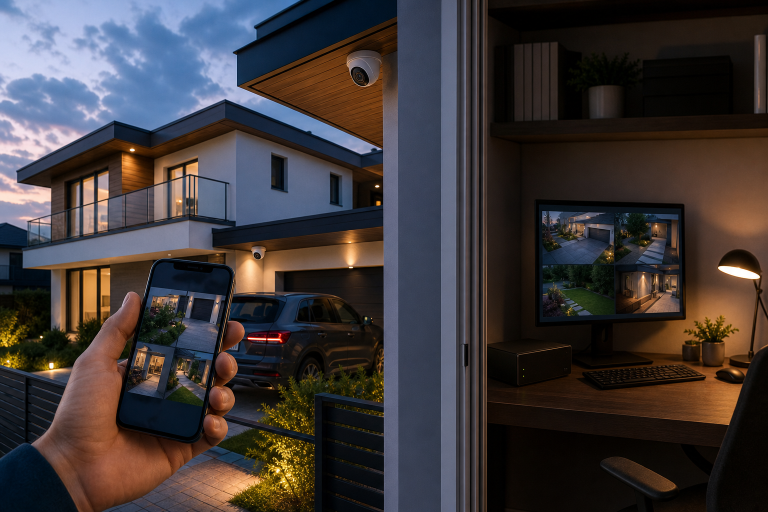
The cost range is wide because installers may be pricing very different jobs under the same label. A single battery-powered wifi camera mounted near an accessible entry point is not the same project as a four-camera wired system with attic runs, camera weatherproofing, a network video recorder, and mobile app setup.
At a practical level, your total may include:
- Camera hardware
- Mounting accessories and weatherproof housings
- Cabling, connectors, and backup power supplies for wired systems
- Recorder or hub equipment
- Network setup and app pairing
- Labor for mounting, routing wires, and testing
- Optional cloud storage or monitoring subscriptions
Manufacturer support pages from brands such as Ring, Arlo, Google Nest, and Lorex show that product ecosystems differ significantly. Some are built around battery and Wi-Fi convenience, while others are designed for high resolution, nightime recording and more involved monitoring. That difference is one of the biggest drivers of total cost.
What factors raise or lower security camera installation cost?
The main factors that affect security camera installation cost are camera count, wired versus wireless design, mounting difficulty, recording method, and whether the installer must add electrical or network work.
How many cameras you need
More cameras usually means higher hardware and labor costs, but the increase is not always linear. Once an installer is already on site, adding a second or third camera in accessible locations may cost less per unit than the first one.
Wired vs. wireless systems
Wireless cameras often reduce labor because they may not require video cabling, but they still need proper placement, secure mounting, and reliable connectivity. Wired systems can cost more to install because cable routing through walls, soffits, crawlspaces, or attics takes time. Manufacturer specifications from Lorex and similar hardwired system providers show that recorder-based systems also require central equipment placement and storage setup. The additional benefit of a wired system is that it may be less prone to hacking, wifi cameras must communicate wirelessly to a main hub and this process creates an opportunity for intrusion.
Indoor vs. outdoor placement
Outdoor cameras can cost more to install because they may be in less accessible positions, require weather-rated mounting surfaces, sealants, or waterproof enclosures. According to manufacturer installation guidance from Ring and Google Nest, outdoor placement for wireless systems must account for Wi-Fi strength, power access, and environmental exposure.
Power and network requirements
If your chosen camera location lacks a nearby outlet, or if Wi-Fi coverage is weak, the job may expand. The Federal Communications Commission explains that home network performance can vary based on router placement, building materials, and interference, which can directly affect connected camera reliability.
Storage and subscription choices
Some cameras can record locally to a device or recorder, while others rely heavily on cloud plans for video history and event review. Manufacturer plan pages from Ring, Arlo, and Google Nest show that monthly or annual fees are typically separate from installation cost, so the lower up-front option is not always the lower long-term option.
Is wired or wireless cheaper to install?
Wireless cameras are usually cheaper to install up front, while wired systems often cost more initially because labor and materials are more involved.
Wireless systems appeal to homeowners who want quicker installation and less disruption. They can work especially well for apartments, smaller homes, or targeted coverage at front doors and garages. However, lower installation labor does not automatically mean lower lifetime cost. Battery replacement, cloud subscriptions, and the possible increased risk of hacking can create unexpected long term costs.
Wired systems generally make more sense when you want continuous recording, more stable connectivity, and higher security. Manufacturer documentation for recorder-based systems commonly emphasizes local storage capacity and continuous recording options, features that many battery-powered cameras do not offer without rigerous ongoing maintenance.
There is no universal winner. The better value depends on whether you prioritize lower installation labor or a more permanent system architecture.
What does professional installation usually include?
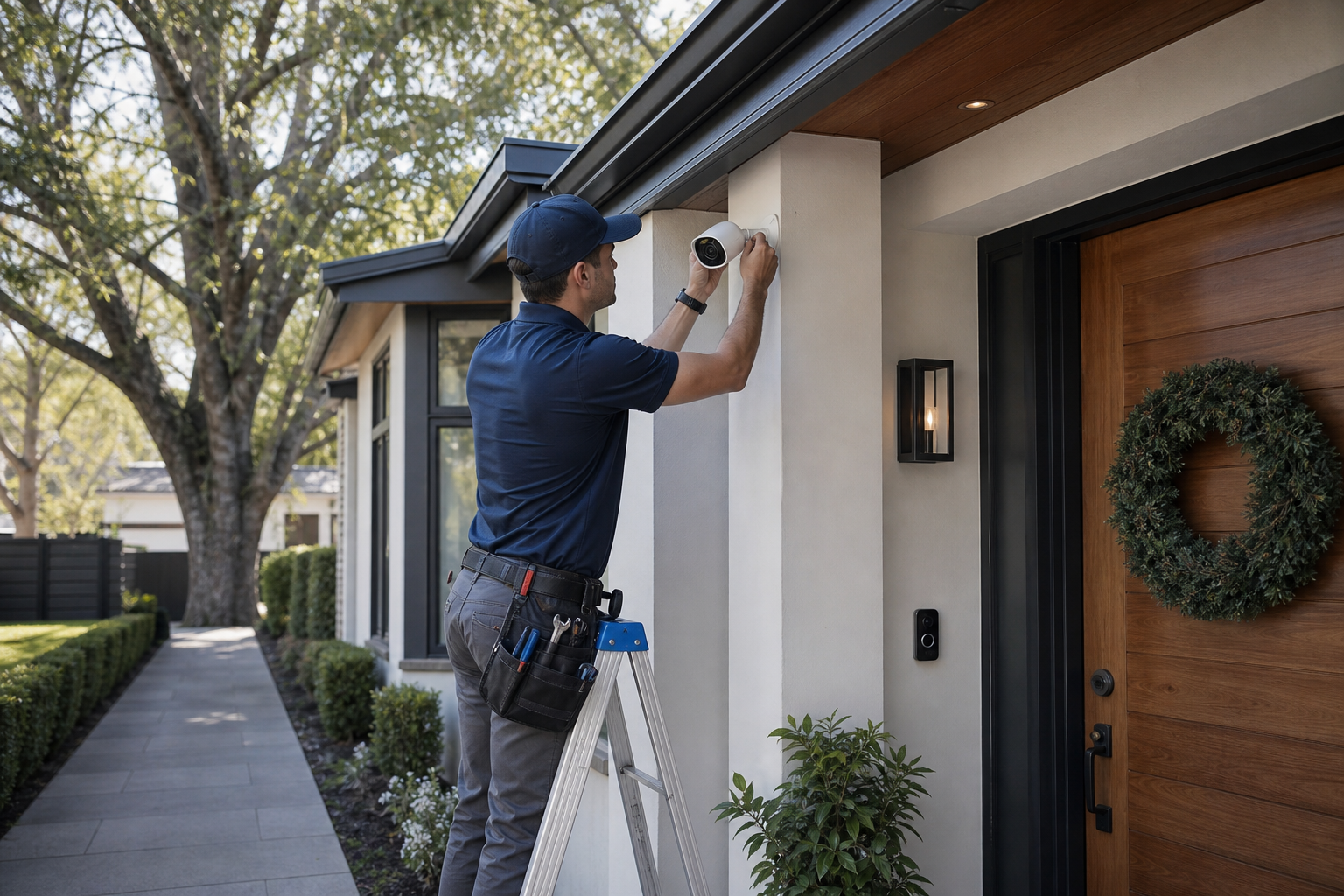
Professional camera installation usually includes mounting the cameras, connecting them to power, network, and the control display. Also, basic app setup, testing, and confirming that the viewing angles cover the intended areas.
Some projects include only physical installation. Others bundle a fuller setup process. Before you agree to any work, ask exactly what is included.
Commonly included services
- Site walk-through and placement recommendations
- Mounting cameras on approved surfaces
- Running visible or concealed cabling, if applicable
- Connecting recorder, hub, or app
- Basic motion, nightvision and notification setup
- Testing live view and recorded playback
Common add-ons that may cost extra
- Drywall repair or paint touch-up after cable routing
- Electrical outlet installation by a licensed electrician
- Network upgrades, extenders, or mesh Wi-Fi additions
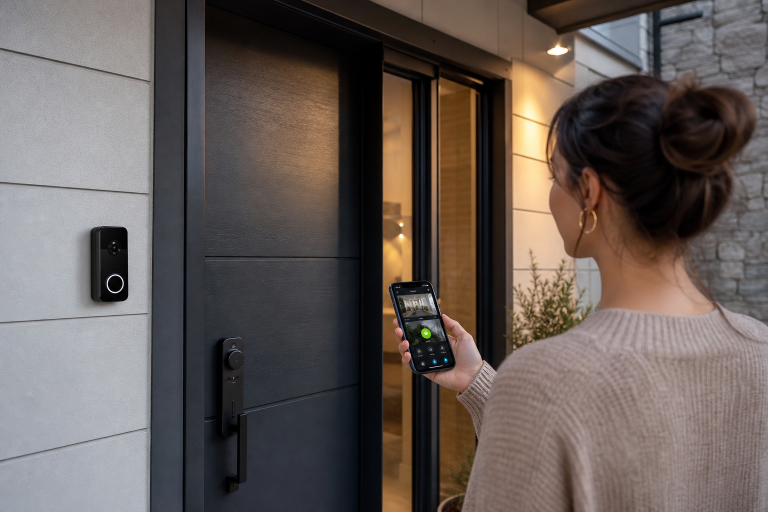
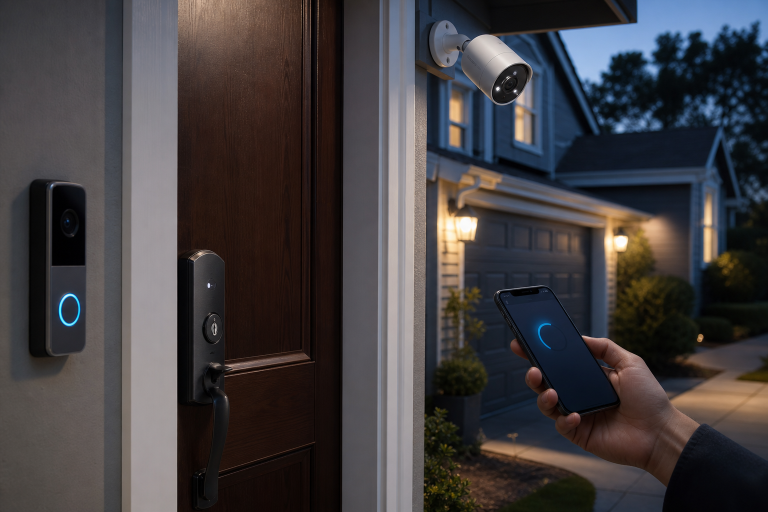
- Video doorbell or smart lock integration
If a proposal is vague, ask for an itemized breakdown. That makes it easier to compare bids fairly and spot whether one installer is excluding equipment, setup time, or support.
How can you compare quotes without getting misled?
The best way to compare security camera installation cost is to match the same scope, equipment, storage method, and support terms across every quote.
A low quote can be misleading if it excludes the recorder, subscription fees, app setup, or a short term warranty. In home security, contract terms also matter. Review cancellation terms, automatic renewal language, warranty coverage, and any recurring charges before you agree to service.
Questions worth asking before you sign
- Is the quote for installation labor only, or labor plus equipment?
- How many cameras are included, and what model are they?
- Is local recording included, cloud storage included, or neither?
- Are subscription fees required for key features?
- Who handles warranty issues, the installer or the manufacturer?
- Will you receive a written scope of work?
- Are permits or licensed trades needed for any part of the job?
If your cameras will record audio, remember that recording laws vary by state. The Federal Trade Commission provides general consumer privacy guidance, but homeowners should verify their own state requirements rather than assuming one setup is lawful everywhere. This article is not legal advice.
Do permits or codes affect security camera installation cost?
Permits do not apply to every camera project, but electrical work, low-voltage wiring practices, and local code requirements can affect the final cost.
Simple battery camera mounting may not involve permitting at all. More complex jobs can. If an installer needs to add outlets, alter electrical circuits, or perform work that falls under local building requirements, that can change both cost and scheduling.
According to the Occupational Safety and Health Administration, ladder and electrical safety practices matter during installation work, especially for exterior mounting at height. According to the National Fire Protection Association, electrical work should follow recognized safety standards, and any line-voltage additions should be handled appropriately. Local code enforcement ultimately determines what is required in your area.
Ask the installer whether the quote assumes existing power and network access. That one detail often explains why one estimate is far lower than another.
What are the ongoing costs after installation?
Ongoing costs after installation may include cloud storage, professional monitoring, battery replacement, and occasional service calls or equipment upgrades.
Many homeowners focus on the installation bill and overlook recurring charges. Yet subscription pricing can materially affect long-term ownership cost. Manufacturer plan documents for major consumer camera brands show that video history, person detection, package alerts, and multi-camera storage may depend on paid plans.
Common ongoing expenses include:
- Monthly or annual cloud recording plans
- Replacement batteries for battery-powered units
- Expanded Wi-Fi coverage equipment
- Out-of-warranty replacement cameras
- Professional monitoring, if the camera system is tied to a broader alarm plan
When comparing systems, calculate both the first-year total and the expected three-year total. That gives a more realistic picture than comparing hardware alone.
When is professional installation worth it?
Professional installation is usually worth it when the project involves multiple cameras, exterior mounting at height, wired recording equipment, or homes where Wi-Fi and placement need careful planning.
DIY-friendly products exist, but professional installation can reduce common problems such as weak coverage angles, glare, dead Wi-Fi zones, and poorly protected exterior cable runs. Manufacturer placement guidance routinely warns against aiming cameras directly into bright light and stresses mounting heights that preserve useful motion detection and facial detail.
Professional help can also be useful if you want camera coverage integrated with doorbells, alarms, locks, or smart home routines.
What is a realistic budget for different home scenarios?
A realistic budget is about $150 to $400 for a simple single-camera setup, roughly $400 to $1,200 for a typical small multi-camera wireless project, and $1,000 to $2,000 or more for a more complex wired system, based on 2026 market references from Angi, HomeAdvisor, and manufacturer product pricing.
This is an estimate, not a quote.
Basic coverage
One or two cameras covering a front door and driveway may fit a lower budget if power and Wi-Fi are already in place.
Typical homeowner setup
Three to four cameras with app setup, exterior mounting, and a mix of entry-point coverage often lands in the mid-range.
More advanced property coverage
Larger homes, detached garages, recorder-based systems, and difficult cable paths usually move the project toward the higher end.
The smartest budgeting move is to define your coverage goals first. Decide whether you want deterrence, continuous recording, or complete perimeter awareness. Once the scope is clear, quotes become easier to compare.
FAQ
How much does it cost to install 4 security cameras?
Installing 4 security cameras often costs roughly $400 to $1,500 or more in 2026, depending on whether the system is wireless or wired, according to 2026 pricing references from Angi and HomeAdvisor.
Simple wireless setups can fall near the lower end, while wired exterior systems with recorder installation can cost substantially more.
Is it cheaper to install security cameras yourself?
Yes, DIY installation is often cheaper up front because you avoid labor charges, but it may not be cheaper over time if placement, connectivity, or subscription choices are poor.
Manufacturer setup guides show that many consumer cameras are designed for self-installation, but difficult mounting locations and network issues can still make professional work worthwhile.
Do wireless security cameras need professional installation?
No, wireless security cameras do not always need professional installation, but professional setup can help with placement, coverage, and reliable connectivity.
This is especially true for exterior cameras, multi-camera systems, and homes with weak Wi-Fi in key areas.
What adds the most to security camera installation cost?
The biggest cost drivers are usually the number of cameras, wired cable runs, exterior mounting difficulty, and any needed electrical or network upgrades.
Those factors increase both labor time and supporting materials, which is why two homes using similar cameras can receive very different quotes.
Are monthly fees required for home security cameras?
No, monthly fees are not always required, but many camera brands charge for cloud storage and certain advanced features.
According to manufacturer plan documents, some systems offer local storage and limited feature access, while others reserve video history for paid plans.
Security camera pricing is easier to manage when you compare the full picture, equipment, labor, storage, and support, rather than chasing the lowest advertised install price. If you want help narrowing down the right setup for your home and budget, you can reach out for a quote or a practical assessment of your specific situation.
Sources: Angi, HomeAdvisor, Federal Communications Commission, Occupational Safety and Health Administration, National Fire Protection Association, Federal Trade Commission, Ring, Arlo, Google Nest, Lorex