Home Security Integration: Clear Answers on Doorbells, Locks, and Your Phone
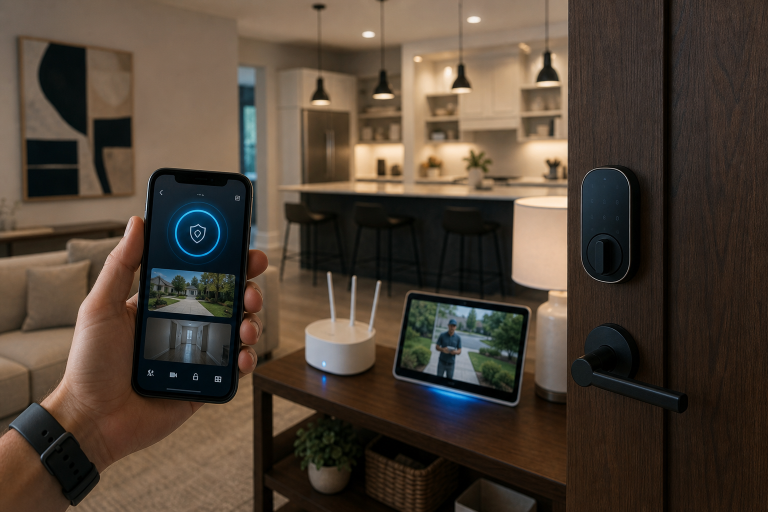
Integrating a smart home security system is usually straightforward: most smart doorbells and smart locks connect to your phone through a brand app, your home Wi-Fi network, Bluetooth, or a compatible smart home platform.
That simple description hides a few important details. The way a device connects affects live video access, remote locking, automation, notifications, and whether features keep working if your internet goes down. If you are comparing products, the practical question is less about whether a device is “smart” and more about how it communicates, what permissions it needs, and which parts of the system depend on a cloud service.
According to the Cybersecurity and Infrastructure Security Agency, internet-connected home devices should be secured with strong passwords, updated software, and careful review of default settings. For smart doorbells and locks, that guidance matters from the start because setup choices affect both convenience and security.
How do smart doorbells and locks connect to your phone?
Most systems connect through a mobile app that pairs the device over Bluetooth during setup, then links it to Wi-Fi, a hub, or both for ongoing control.
Smart doorbells commonly rely on Wi-Fi because they need enough bandwidth for live video, motion alerts, and two-way audio. Smart locks are more varied. Some use Bluetooth for nearby control, some use Wi-Fi for remote access, and others use protocols such as Z-Wave, Zigbee, Matter, or Thread through a separate hub or border router.
According to the Connectivity Standards Alliance, Matter is an interoperability standard designed to let smart home devices from different brands work together more reliably across major platforms. In plain terms, that means a lock or doorbell that supports newer shared standards may fit more easily into a mixed-brand home than one that only works inside a single brand ecosystem.
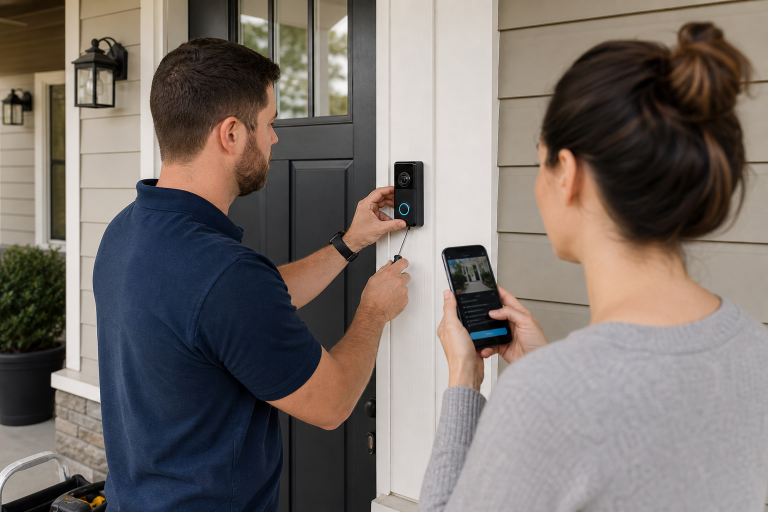
During setup, the app usually asks you to scan a QR code, confirm ownership, connect to the home network, and enable notifications. For a lock, the app may also walk you through handing out digital keys, setting auto-lock timing, or connecting to voice assistants and routines.
What can you actually do from your phone?
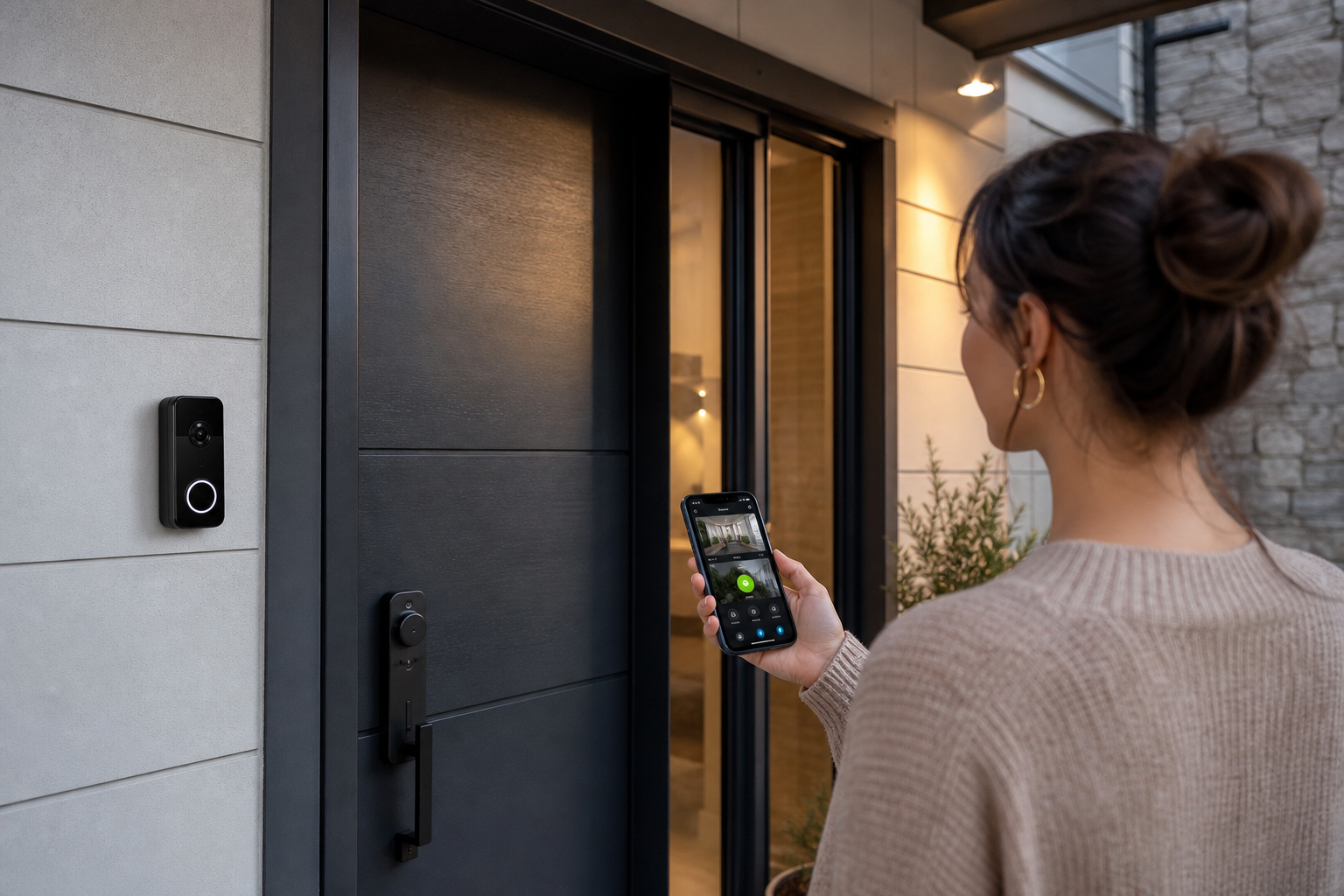
Most homeowners can expect four core functions: see activity, get alerts, talk through the doorbell, and lock or unlock the door remotely if the lock supports it.
Those basics often expand into a broader set of app controls. Depending on the model, you may be able to review event history, create temporary access codes, set motion zones, change alert sensitivity, schedule automatic locking, or trigger automations such as turning on an entry light when someone rings the bell.
According to the Federal Trade Commission, smart home apps can collect significant data, including video, audio, device identifiers, and usage details, so privacy settings and account security deserve the same attention as convenience features. Before enabling every option, it is worth checking what data is stored, where recordings are kept, and whether two-factor authentication is available.
Phone integration also changes how access is shared. Many smart locks let you create separate codes for family members, guests, dog walkers, or service providers. Some systems let you set schedules so a code only works during certain hours. That can be more practical than handing out physical keys, especially if access needs change often.
Video doorbells add another layer. A push alert can show a live view, let you answer the door from anywhere, and save a clip if the service plan includes recording. If you only want a video call at the door and do not care about cloud history, a simpler package may do the job. Paying more for advanced analytics is not always necessary.
Do you need Wi-Fi, a hub, or a subscription?
Wi-Fi is usually required for video doorbells, while smart locks may work with Bluetooth alone, with Wi-Fi built in, or through a separate hub depending on the model.
The easiest way to think about this is to separate connection from features. A lock can physically operate and still be “smart” without constant internet access, but remote control from your phone away from home usually needs either direct Wi-Fi or a hub connected to the internet. A doorbell camera needs enough network support to send live video and alerts, so internet quality matters much more there.
When a hub makes sense
A hub can be useful if you want longer battery life, broader automation, or support for protocols such as Z-Wave or Zigbee. Those systems often use less power than direct Wi-Fi devices. In a larger smart home, a hub can also make device coordination more stable.
On the other hand, a single front-door setup may not need extra hardware. If all you want is app alerts and remote locking, a direct-to-Wi-Fi product can be the simpler choice.
What subscriptions usually cover
Monthly plans most often pay for cloud video storage, event history, person or package detection, and sometimes extended warranties or professional monitoring tie-ins.
Many doorbells still send live alerts without a paid plan. What changes is how much footage you can review later and whether advanced detection tools are included. For locks, subscriptions are less central, though some broader security ecosystems bundle lock controls into a larger service package.
If recurring cost is a concern, compare what the device does without the plan before you buy. A lower-priced device with a required subscription can cost more over time than hardware with stronger built-in features.
Will smart doorbells and locks work with iPhone and Android?
Most major brands support both iPhone and Android through their own apps, but the deeper integrations depend on the platform, the smart home standard, and the exact device generation.
According to Apple support documentation for the Home app and HomeKit accessories, compatible devices can be controlled through Apple Home and automated with scenes and other Home accessories. Google Home support documentation similarly describes app-based control, routines, and compatible device management across supported products. In practice, that means “works with iPhone” and “works with Apple Home” are not the same claim, and the same distinction applies on Android with Google Home.
Compatibility issues usually show up in three places: setup, automation, and voice control. A lock may have a perfectly good standalone app but limited support for Siri, Google Assistant, Alexa, or cross-brand routines. A doorbell may send alerts to your phone but not display video on the smart display you already own.
Check the product page and support documentation for your exact phone and platform before buying. Brand names alone are not enough because support can change by model year and firmware version.
How secure is phone control for front-door devices?
Phone-based control can be reasonably secure when the account uses strong authentication, current software, and carefully limited sharing permissions.
According to the National Institute of Standards and Technology, good cybersecurity practice centers on identifying risks, protecting accounts and devices, detecting problems, and keeping systems updated. For a homeowner, the practical version is simpler: use a unique password, turn on two-factor authentication if the app offers it, remove old users, and install firmware updates.
The bigger risk is often account management rather than the lock mechanism itself. If an old roommate, contractor, or family contact still has app access or an active code, the problem is administrative, not mechanical. Reviewing users and permissions is part of front-door security.
Shared devices need extra attention. If several people use the same household login, it becomes harder to track who changed settings or unlocked the door. Separate user access is usually the cleaner approach when the app allows it.
Some homeowners also assume every smart lock can be opened from anywhere at any time. That is only true if remote access is enabled and the system is connected properly. Knowing what your setup can and cannot do is part of using it safely.
What happens if the internet or power goes out?
Most smart locks still allow local entry by code or key during an internet outage, while many video doorbell features lose remote access until the connection returns.
This is one of the most important distinctions in the category. A lock is still a lock first. Many models continue basic local operation even when your broadband is down because the keypad, motor, and user codes are stored on the device. Remote app commands, status updates, and cloud logs may stop until service resumes.
Doorbells are more dependent on network conditions. If the internet drops, you may lose live video, remote talk, and cloud recording. If household power fails, a wired doorbell may go offline unless it has backup support in the broader system. Battery-powered doorbells avoid that specific issue, but they still need network connectivity for remote features.
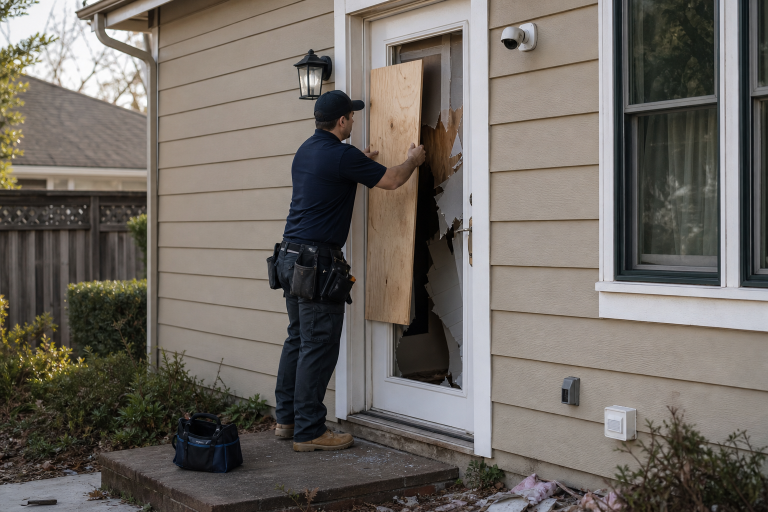
For homes where outage resilience matters, it helps to compare local functionality before looking at premium app features. This is also a good place to review broader planning after a security event, as covered in home security after a break-in.
What should you check before buying a smart doorbell or lock?
The most useful buying checklist covers compatibility, power, connectivity, account security, and what the device can do without add-on services.
- Phone and platform support: Confirm support for your iPhone or Android version and for any platform you want to use, such as Apple Home, Google Home, Alexa, Matter, or Thread.
- Power source: Check whether the doorbell is battery-powered or wired, and whether the lock uses replaceable batteries or a rechargeable pack.
- Connection type: Know whether the device uses Wi-Fi, Bluetooth, or a hub-based protocol, and whether remote access needs extra hardware.
- Local versus cloud features: Compare what works with no subscription, including live view, event history, and user management.
- Entry options: For locks, verify whether you want keypad entry, physical key backup, fingerprint access, or app-only control.
- Permissions: Look for guest access, temporary codes, and separate user accounts instead of one shared household login.
- Update policy: Check whether the manufacturer publishes support and firmware information clearly.
If you are also budgeting other entry-point upgrades, Abodence has a related guide on security camera installation cost that can help frame the larger project.
Are smart doorbells and locks worth it for every home?
They make the most sense when you want better visibility at the door, easier access management, or integration with a broader security setup.
A smart lock is often worth considering if keys are constantly lost, spare copies are floating around, or different people need time-limited access. A smart doorbell is useful when package deliveries, missed visitors, or front-door visibility are the main problem. If your concern is only basic forced-entry resistance, stronger door hardware or better exterior lighting may solve more than a connected gadget will.
Buying the most connected device on the shelf does not help much if you do not want another subscription, your front-door Wi-Fi is weak, or nobody in the house will actually manage app permissions. In those cases, a dependable keypad lock or a non-cloud camera setup may fit better than a feature-heavy ecosystem.
FAQ
Can I unlock my smart lock from anywhere with my phone?
Remote unlocking usually works only when the lock supports internet-connected access, either through built-in Wi-Fi or a compatible hub. Bluetooth-only models often limit phone control to close range unless extra hardware is added.
Do smart doorbells always require a monthly fee?
Many models work without a monthly plan for live alerts and basic viewing, but cloud video history and advanced detection features are often tied to a subscription. The device page should spell out which features are free and which are paid.
Will a smart lock still work if the battery dies?
Battery failure can disable the smart functions, so backup options matter. Many models include a physical key, emergency external power contact, or low-battery alerts in the app, and the manufacturer instructions should explain the exact fallback.
Can more than one person control the same doorbell or lock?
Shared access is common on current systems, and the better apps let each person have separate permissions. That setup is usually safer than giving everyone the same login because access can be removed individually.
Is a smart doorbell enough for whole-home security?
A front-door camera covers only one part of the property, so it is usually one layer rather than a complete security plan. Wider coverage may call for additional cameras, lighting, better locks, or a monitored alarm system depending on the home.
If you want help comparing doorbells, locks, or a larger connected security setup, Abodence can help you sort through the options and request quotes that match your home. Please call a listed specialist for a free, no-obligation discussion.
Sources: Connectivity Standards Alliance, Apple Support, Google Home Help