Critical Home Security Questions for Power Outages and Storm Damage
Home security questions matter most before the weather turns bad, not after your cameras go offline and a swollen door stops latching. Power outages and storm damage expose a weak point in many modern systems: cameras, sensors, and smart locks often depend on household electricity, working internet, intact doors, and undamaged windows. If any one of those fails, your security setup can lose alerts, recordings, remote access, or even basic entry control.
The practical goal is simple: find out which parts of your system still work when utility power is out, Wi-Fi is down, and an exterior opening has been damaged by wind or water. The right questions reveal whether you need battery backup, cellular communication, reinforced hardware, or a simpler mechanical fallback.
According to the Cybersecurity and Infrastructure Security Agency, home network devices and internet-connected equipment should be secured and maintained with the understanding that connectivity can be disrupted. For storm planning, that means treating internet-dependent security gear as a convenience layer unless the provider can document backup power and alternate communication paths.
What should a home security system still do when the power goes out?
A resilient setup should still detect entry, let you lock or unlock the door locally, and send alerts through a backup path if the provider offers one. Those are the core functions to verify first.
Ask whether the control panel has an internal backup battery, how long that battery is rated to last, and which devices remain active during an outage. Many systems market battery backup, but the important detail is scope. A panel may stay on while plug-in cameras, Wi-Fi routers, smart displays, and doorbell transformers shut down.
Ask for the exact battery runtime in writing. The manufacturer or provider should be able to identify whether the estimate assumes normal use, standby mode, or active alarm conditions.
Also ask whether a smart door lock keeps working even if your network is down. Many battery-powered locks still allow keypad, thumb-turn, or physical key access even when remote app control is unavailable.
According to the National Fire Protection Association, backup power is a basic part of life-safety planning for alarm equipment in the home. While intrusion systems are different from smoke alarms, the same planning principle applies: battery backup only helps if you know what it powers and for how long.
Which home security questions reveal whether Wi-Fi failure will shut everything down?
The fastest way to expose a weak design is to ask which devices stop working when your internet service drops, even if the home still has power. That answer separates true security functions from app-based convenience features.
Ask these questions before you sign a monitoring or installation agreement:
- Which devices require Wi-Fi to function at all?
- Which devices keep recording locally if internet service is out?
- Which devices can still send alerts through cellular backup?
- Does the system include a cellular communicator, and is it standard or an added monthly charge?
- Will smart locks still accept codes at the door during an outage?
- If the router loses power, what security features still operate?
- Where are video clips stored, cloud only or also on the device?
- Can the provider show a written outage scenario for each device type?
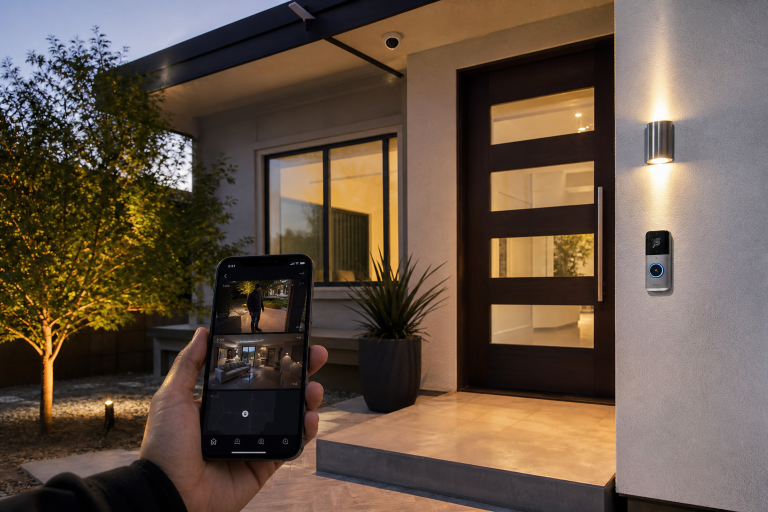
Those questions matter because cloud-dependent cameras may stop sending footage the moment your router goes offline. By contrast, some cameras continue recording to onboard storage, network video recorders, or base stations with local storage, depending on the model. The manufacturer specification sheet should identify that clearly.
How do you ask about backup power without getting vague sales language?
The clearest approach is to ask for a device-by-device outage map that shows what stays on, what turns off, and for how long. General claims about protection are not enough.
Ask the company to break the answer into five categories: control panel, internet equipment, cameras, locks, and lighting. Then ask whether each category is covered by an internal battery, a separate battery backup unit, or no backup at all.
What should be included in that written answer?
A useful answer should name the equipment model, the power source, and the expected runtime under normal conditions. If a camera needs a plug-in transformer and has no battery, the answer should say so plainly. If a base station has a battery but the router does not, the answer should also say that plainly.
If the provider recommends an uninterruptible power supply for your router or cellular modem, ask for the battery capacity and the expected runtime range. Runtime depends on actual electrical load, so a company should present it as an estimate tied to specific equipment, not as an all-purpose promise.
What should you ask about cameras during outages and severe weather?
The key issue is whether the camera can still capture usable evidence when power, connectivity, or mounting conditions change. A camera that only works in ideal conditions is not much help after a storm.
For outdoor devices, ask for the weather-resistance rating listed by the manufacturer. Many brands use IP ratings, which describe resistance to dust and water ingress under specified test conditions. According to the National Electrical Manufacturers Association, enclosure ratings and environmental suitability should be matched to actual installation conditions rather than assumed from marketing language. For a homeowner, that means a covered porch camera and an exposed soffit camera may need different protection levels.
Ask where footage is stored during an outage. If the answer is cloud only, ask what happens when the internet is unavailable. If the answer is local storage, ask whether the storage device itself has backup power.
If you are comparing new hardware, Abodence’s security camera installation cost guide can help you separate equipment choices from installation scope.
How do smart locks behave when storms damage doors or the network goes down?
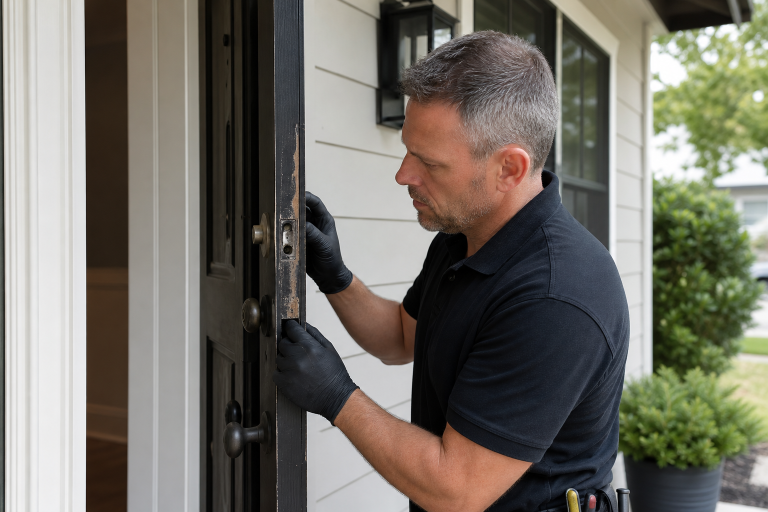
A smart lock is only as reliable as the door and frame it secures. If wind, water, or impact shifts the door out of alignment, the lock may have power and still fail to latch correctly.
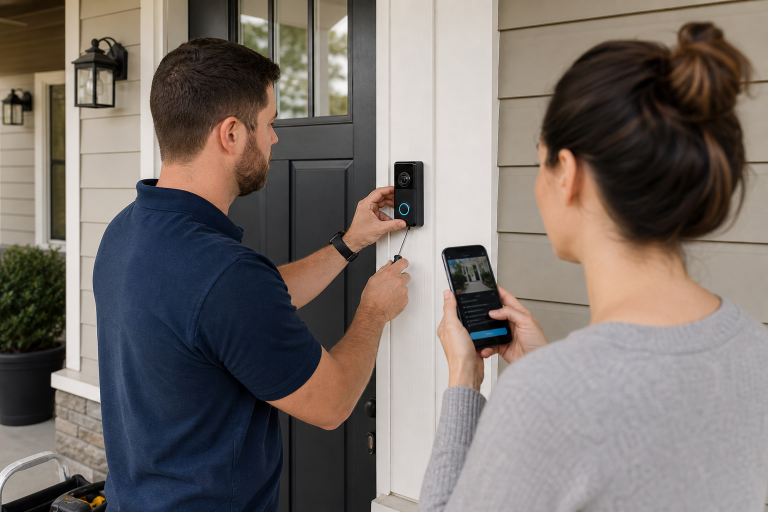
Ask whether the installer will inspect door alignment, strike plate engagement, and frame condition before adding a smart lock. This is one of the most overlooked parts of the job. A new lock does not fix a door that rubs, swells, or closes poorly.
Then ask which entry methods remain available without internet service. For many models, the practical backup methods are keypad entry, a physical key, or an interior thumb-turn. Ask whether remote unlocking, temporary app-issued codes, and event notifications continue during an internet outage or require the cloud connection to return.
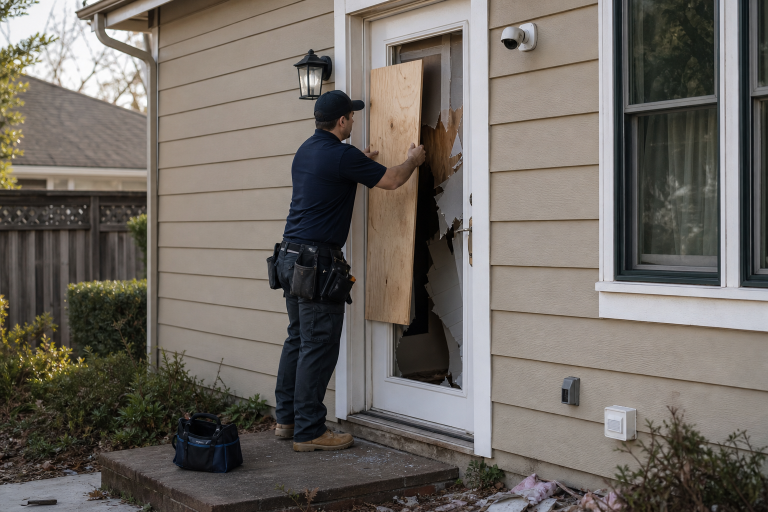
Storm damage changes the question from convenience to physical security. If a door frame is split, the immediate need is repair or temporary securing of the opening, not a lock upgrade. The same is true for damaged windows, which can become direct entry points even if the alarm sensor still appears online. For related recovery steps after an actual intrusion, see home security after a break-in.
What storm damage creates the biggest security vulnerabilities around doors and windows?
The most serious vulnerabilities are openings that no longer close, latch, or resist forced entry as intended. That includes bent frames, cracked glass, loosened hinges, failed strike areas, and water-swollen doors that will not seat properly.
Ask a contractor or security provider who is responsible for identifying those issues before installing or reactivating equipment. Alarm and camera companies often focus on electronics, while the real weakness after a storm may be structural or hardware-related.
Look for clear scope language in the contract. If the quote says the company installs sensors on existing doors and windows, that usually does not mean it will repair storm-damaged framing, replace rotten trim, or correct poor latch alignment. Vague scope is where misunderstandings start.
When storm exposure is a recurring concern, stronger doors and windows may matter more than adding more electronics. Abodence’s guide to impact-resistant windows explains why certain windows are more appropriate for environment conditions.
What should a monitoring contract say about outages, cellular backup, and service limits?
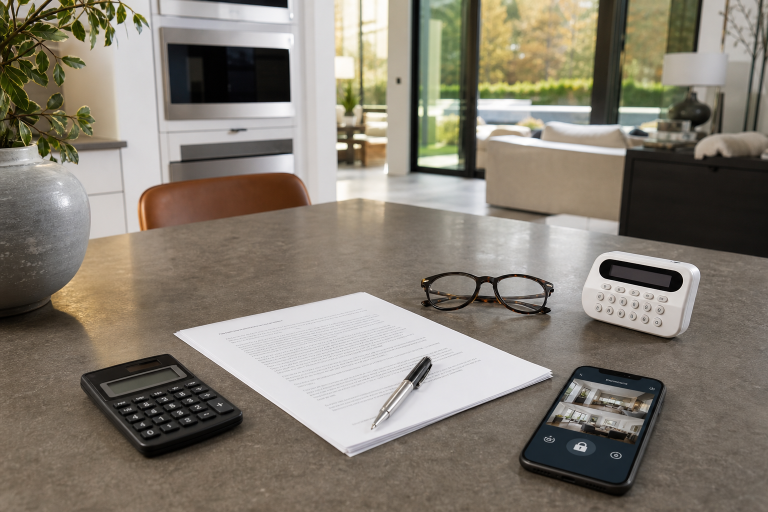
The contract should say exactly which communication path is included, when backup service applies, and what events may prevent alerts or recordings. If that language is missing, ask for it before you agree to anything.
Look for terms covering cellular backup, battery replacement responsibility, equipment ownership, cloud storage retention, and service interruptions. Some plans include cellular communication only on higher monitoring tiers. Others require separate hardware.
Ask whether the provider supervises device status and tells you when a camera, sensor, or lock has gone offline. A useful system should identify loss of communication, not stay silent until you discover the problem yourself.
According to guidance from the Electronic Security Association, monitoring terms, communication methods, and maintenance responsibilities should be reviewed carefully because service capability depends on the actual equipment and connection path named in the agreement. The contract is where those details belong.
How can you tell whether you need more equipment or just better backup planning?
Many homes need a smaller fix than a full security overhaul. If your existing system already has battery backup and your doors and windows are sound, the missing piece may simply be backup power for the router or a monitoring plan with cellular communication.
Start by listing failure points like utility power, internet service, exterior door condition, window condition, and local recording capability. Then match each weak point to the simplest remedy that directly addresses it.
- If the panel works but alerts fail, ask about cellular backup.
- If cameras are fine but the router dies, ask about battery backup for network gear.
- If the lock is functional but the door does not latch, fix the door first.
- If windows are storm-damaged, secure and repair the opening before adding sensors.
- If cloud recording stops during outages, ask about local storage options.
What are common mistakes homeowners make before storm season?
A big mistake is assuming that “monitored” means “works under all conditions.” It does not.
Another common error is testing the app instead of testing the failure mode. You need to know what happens when the power is off, the internet is down, and the front door is not closing correctly. If the provider cannot explain those scenarios clearly, the system has not been defined well enough.
A third mistake is overlooking maintenance items that support security indirectly. Low lock batteries, loose exterior hardware, water-damaged trim, and unstable camera mounts all become bigger problems during severe weather.
FAQ
Will security cameras work during a power outage?
Some will keep working, but only if that specific camera and its recording path still have power. Plug-in cameras usually stop unless they are connected to backup power, while some battery-powered models may continue operating for a limited time.
Do smart locks fail when Wi-Fi goes out?
Many models still allow local entry by keypad, key, or thumb-turn even when Wi-Fi is down. Remote app control, notifications, and cloud-based features may stop until connectivity returns.
Is cellular backup worth adding to a home security system?
Cellular backup is often worthwhile when your current system depends on home internet for alerts. It can preserve signal transmission during broadband outages, but you should confirm which devices and events are actually covered.
Should storm-damaged doors and windows be repaired before installing new sensors?
Yes, the opening should be made secure first because electronics do not correct physical damage. A sensor on a door or window that does not close, latch, or align properly does not solve the underlying vulnerability.
How often should backup batteries be checked?
The right interval depends on the equipment and the manufacturer’s instructions. Use the published maintenance schedule for the panel, lock, camera, and any battery backup unit rather than assuming all batteries age the same way.
If you are reviewing a system before storm season or after recent damage, getting a written assessment of backup power, connectivity, and storm impacted security is the practical next step. Please call one of the listed specialists for a free, no-obligation consultation.
Sources: Electronic Security Association, manufacturer specification sheets and user manuals for battery backup, local storage, and communication features