DIY vs Professional Home Security Installation Review
DIY home security installation suits many renters and homeowners who need a small, wireless system with straightforward placement. Professional installation is usually the more reliable route for hardwired devices, large properties, integrated fire detection, or any setup where a missed opening or poor camera view would leave a real gap.
The right choice depends less on whether a system is marketed as “smart” and more on the building, the devices, the monitoring arrangement, and who will remain responsible when something needs adjustment. This review separates the jobs that are reasonably manageable from the ones where a written professional scope is worth the added cost.
Which home security installation route fits a typical house?
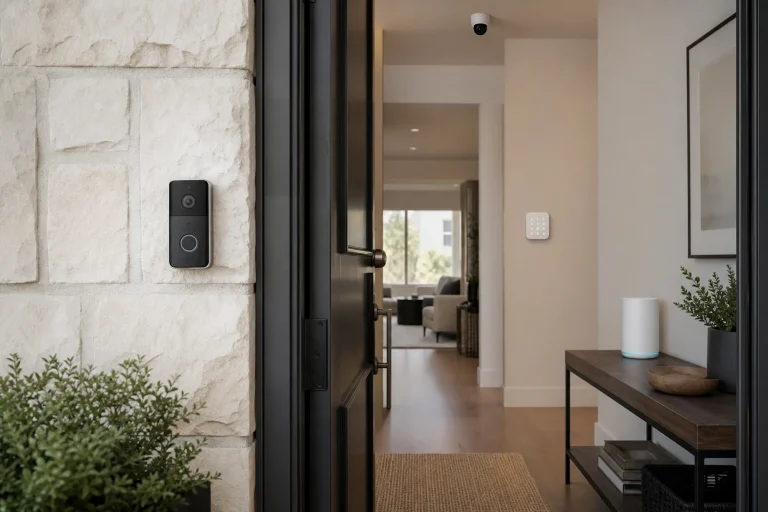
A self-installed wireless package is a sensible choice when the goal is basic intrusion awareness at a few doors and windows, with no new wiring, electrical work, or life-safety devices. Many current kits use adhesive-mounted contact sensors and plug-in or battery-powered hubs, so the work is primarily careful placement, app setup, and testing.
Professional installation fits better when the system must cover several floors, detached buildings, unusual entry points, existing alarm wiring, exterior cameras, or a monitored alarm panel. A technician can also identify where a planned sensor or camera view conflicts with trim, metal framing, a weak wireless signal, a shared wall, or the practical way people use the space.
DIY does not mean unmonitored. Some self-installed platforms offer optional professional monitoring, while professionally installed systems may be self-monitored through an app. Treat installation and monitoring as separate decisions, then read the service agreement for the monitoring option actually being considered.
What can a homeowner reasonably install without a contractor?
Battery-powered door and window contacts, indoor cameras, plug-in chimes, keypads, and tabletop hubs are usually the least complicated devices, provided the product instructions support the intended location. The Ring Alarm Security Kit User Manual, for example, describes guided placement and setup for its wireless components, while still directing users to install the equipment as instructed and test it after setup.
Placement determines whether these simple devices do useful work. A contact sensor needs to register a closed and opened condition consistently. A camera needs a useful view rather than a close-up of a wall or eave. A motion sensor needs a location that accounts for normal movement, pets, heat sources, and rooms that people enter at night.
- Start with exterior doors and accessible windows, rather than buying sensors for every opening before understanding the system.
- Confirm that the hub has dependable power and a workable network connection where it will sit.
- Use the app or panel to test each sensor, camera alert, keypad, and notification after mounting.
- Keep the device names specific, such as “rear patio door,” so an alert is understandable when received away from home.
- Save product manuals, account-recovery details, receipts, and any monitoring agreement together.
A compact, wireless setup is often the cheaper and simpler answer for an apartment, a short-term need, or a small home with plainly defined entry points. It becomes a poor fit when the plan relies on hiding cables, drilling into walls, tying into electrical boxes, altering a circuit, or placing security equipment where it could interfere with required fire-warning equipment.
When does professional installation add real value?
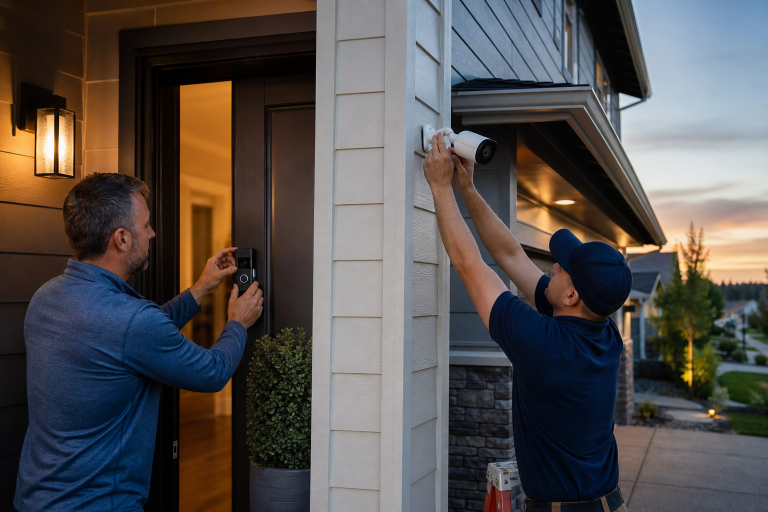
Hardwired alarm panels, powered door hardware, permanent exterior cameras, and devices connected to building electrical systems belong in a professional scope because the work combines security design with electrical, weatherproofing, and property-damage concerns.
Existing wired alarm systems deserve a site visit before a homeowner agrees to replace or reuse them. The technician should identify the panel, zones, keypad locations, power supply, backup battery, communicating method, and whether the installed wiring is usable for the proposed equipment. A generic promise to “take over” an old system does not establish what will work, what will be abandoned, or what repair costs could follow.
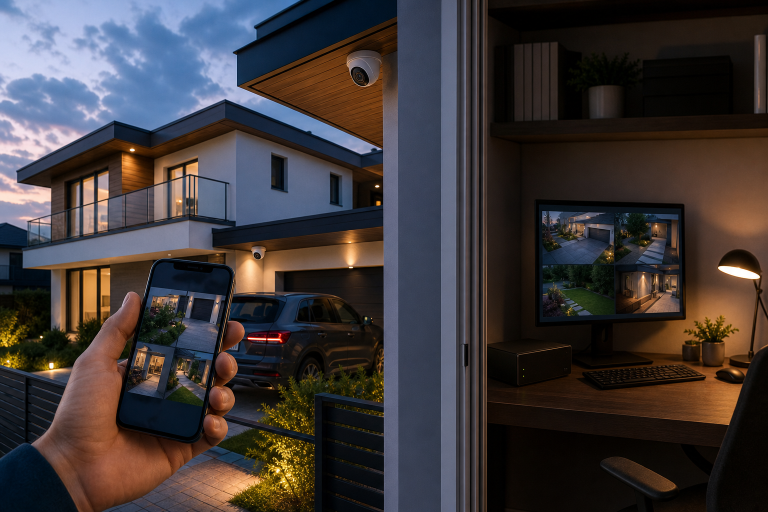
Professional design also has value when coverage must be deliberate rather than approximate. Exterior camera positioning must balance field of view, mounting height, available power, lighting changes, and network reach. For a closer look at the budgeting side of that decision, see this security camera installation cost guide.
Fire and emergency devices deserve separate treatment
Smoke alarms and interconnected fire-warning systems should not be treated as another accessory in a security bundle. The National Fire Protection Association’s smoke alarm guidance calls for alarms inside every sleeping room, outside each separate sleeping area, and on every level of the home, including the basement. Local requirements and the existing building configuration can add further obligations.
When a security company proposes monitored smoke, heat, carbon monoxide, or other emergency detection, ask exactly which device is being installed, how it receives power, who performs testing and replacement, and whether the work affects the home’s existing alarms. If there is any uncertainty about required locations, wiring, or code compliance, use a qualified installer and the local authority having jurisdiction rather than experimenting with the life-safety system.
What should a professional installation quote include?
A usable quote identifies the equipment, locations, labor, recurring charges, and limits of responsibility before work starts. It should make it possible to compare two proposals without guessing whether one includes fewer sensors, a different camera class, only basic setup, or a monitoring term with separate cancellation conditions.
- Each device by type and quantity, plus the proposed mounting location or coverage area.
- Whether the system is wireless, uses existing wiring, or requires new low-voltage or electrical work.
- Labor, trip charges, permit charges if applicable, taxes, and any charge for later relocation or service.
- Monitoring price, contract length, auto-renewal language, cancellation terms, and whether cellular communication is included.
- Who owns the equipment, who has administrator access, and what happens to the account if service ends.
- The written warranty for equipment and the separate workmanship warranty, including exclusions for batteries, network problems, damage, or third-party devices.
Vague quotes create predictable disputes. Common trouble patterns include a low starting figure that excludes required equipment, undefined “additional labor,” assurances that a permit is unnecessary without checking, and warranties described verbally but not supplied in writing. Asking for a revised scope is reasonable when any of these details are missing.
Permits are local, and requirements can vary by municipality, device type, and whether work includes electrical alterations. A contractor should explain who will check the applicable rule and who pays the fee. Homeowners adding equipment through walls or exterior cladding may also find the broader permitting context useful in this guide to homeowner permit requirements.
How do privacy and cybersecurity change the decision?
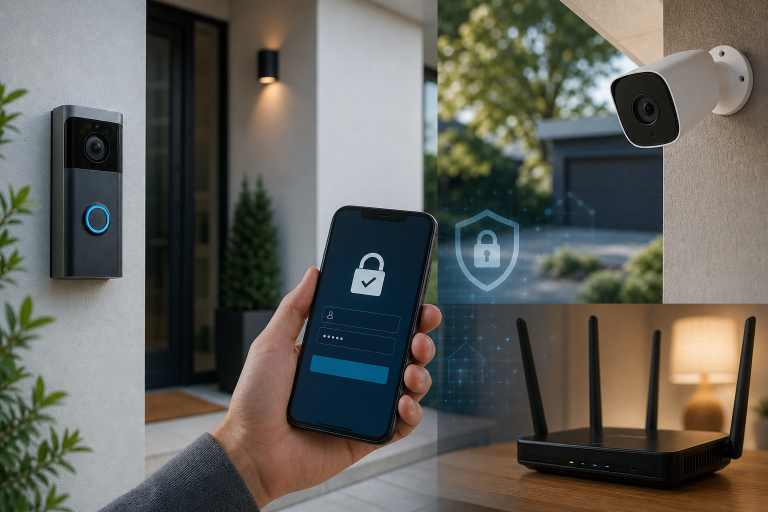
Connected cameras and alarm hubs require account security and network maintenance regardless of who mounts the hardware. The Cybersecurity and Infrastructure Security Agency advises home users to change default passwords, use strong unique passwords, enable multifactor authentication where available, and keep software updated in its Home Network Security guidance.
Professional installation does not transfer control of those choices to the installer. Before service ends, the homeowner should know the primary account email, recovery method, administrator permissions, whether an installer or monitoring provider retains access, and the process for removing that access. Review the camera maker’s privacy policy and storage settings before pointing a device at a driveway, neighbor’s property, or any area where visitors may reasonably expect more privacy.
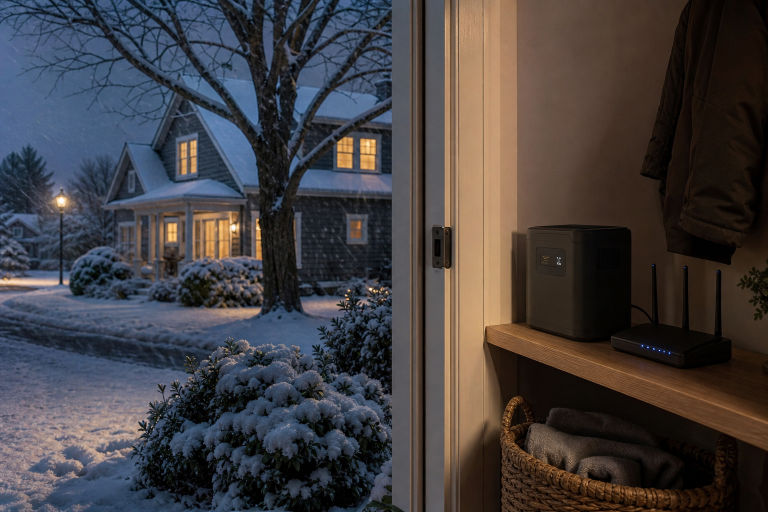
Network limitations also matter. Cloud-connected cameras depend on the home’s internet service and the manufacturer’s online service for many functions. Ask whether the selected equipment offers local recording, how alerts behave during an internet outage, and what functions remain when a subscription is not active. Do not assume an advertised camera will record, retain video, or provide every detection feature without the particular plan described in its product documentation.
How can homeowners decide between DIY and professional security?
Choose DIY when a wireless system can cover the specific entries that concern you, the manufacturer’s placement instructions are clear, and every device can be tested without changing electrical or building systems. This route keeps control of equipment selection and makes future moves or incremental additions easier, but it also leaves the homeowner responsible for design, mounting, app administration, batteries, updates, and verification.
Choose professional installation when the project includes fixed wiring, exterior powered equipment, complicated coverage, emergency detection, or an old system that needs assessment. The added value should appear in the scope: a documented design, clean installation, tested operation, explained ownership and access, and a warranty that distinguishes equipment coverage from labor coverage.
There is also a middle option. A homeowner can install a modest wireless intrusion system, then hire an electrician or qualified camera installer only for the powered exterior devices or work that penetrates the building envelope. That approach avoids paying for labor that is unnecessary while keeping specialized work within the right scope.
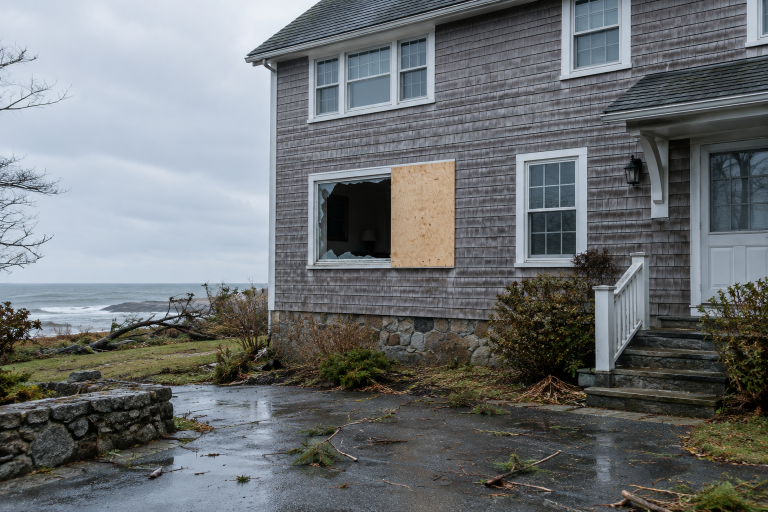
After any break-in, preserve safety and evidence first rather than rushing to buy or install replacement equipment. This home security after a break-in guide covers the immediate decisions that should come before redesigning the system.
FAQ
Is DIY home security reliable?
It can be reliable when the equipment is installed in supported locations, each device is tested, and the homeowner maintains batteries, firmware, network access, and account security. Reliability falls when coverage is guessed, devices are mounted where they cannot communicate with the hub, or alerts are never tested under normal household conditions.
Can a professionally installed security system be self-monitored?
Yes, some installed systems can send alerts to the homeowner without a professional monitoring plan, but that depends on the equipment and service arrangement. Confirm which alerts work without a subscription, whether cellular backup is included, and whether ending monitoring changes app access or device features.
Should an installer provide the alarm code and account access?
Yes, the homeowner should receive administrator-level account control, current codes or a documented way to change them, manuals, and clear ownership terms before the job is treated as complete. Shared or installer-held access should be explicitly explained and removable.
What is the most useful question to ask before hiring an installer?
Ask for a device-by-device scope showing exactly what will be installed, where it will go, how it will be powered or connected, and every recurring charge. For a system that needs hardwired work, exterior cameras, or monitored emergency devices, request a written quote from a qualified local installer to compare that scope with the limits of a DIY plan. Please call a listed specialist for a free, no-obligation discussion.