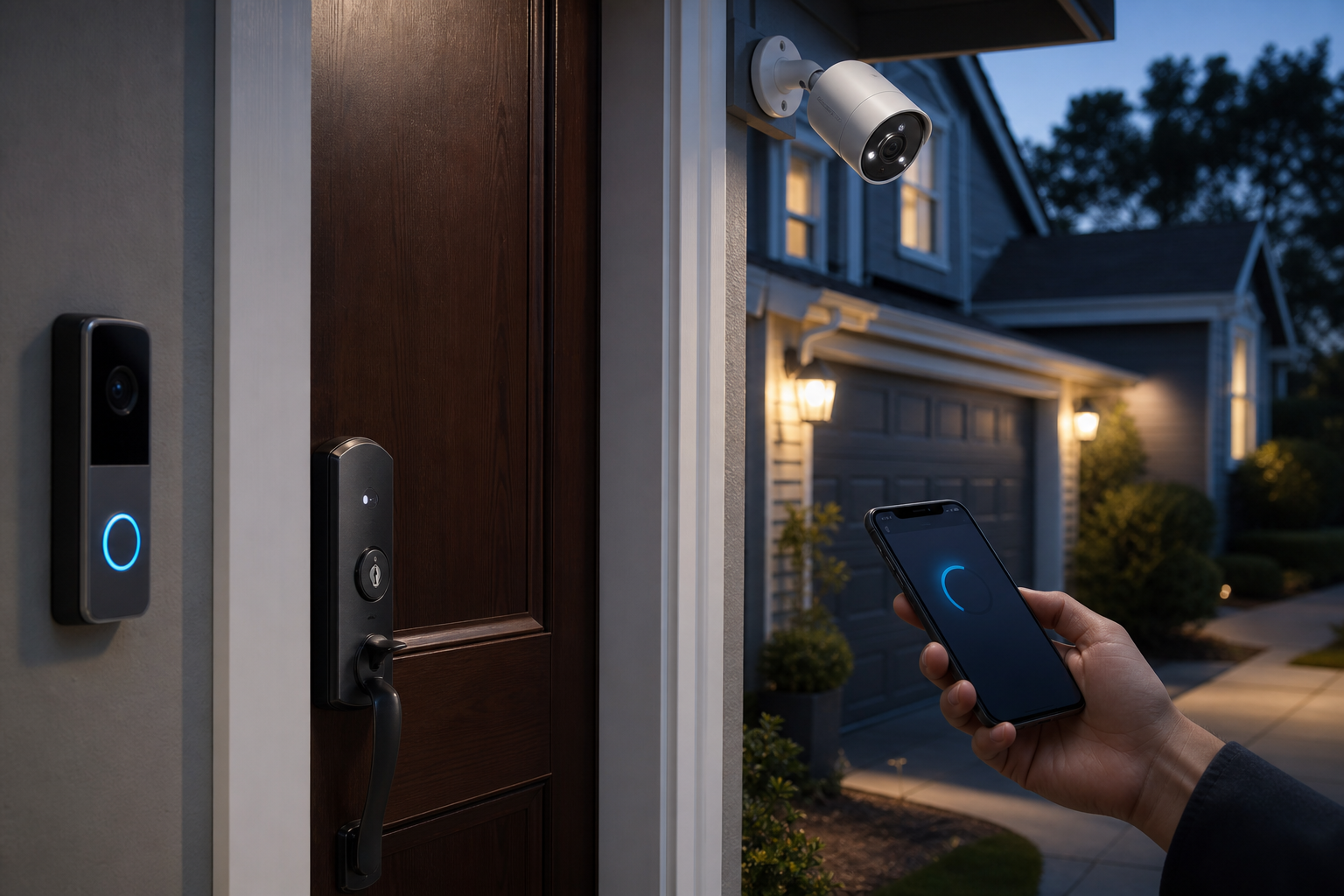
Critical Home Security Updates: What to Know About Firmware and Software
Critical home security updates are one of the few maintenance tasks that can directly affect both reliability and digital security in your system.
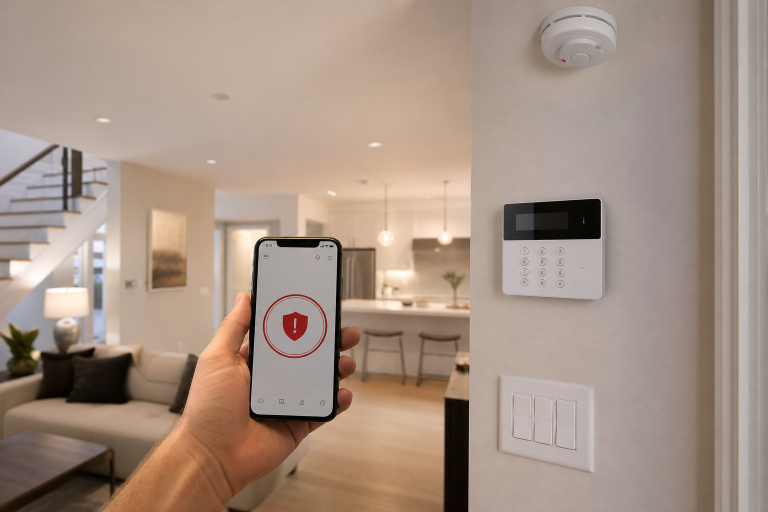
If your cameras, alarm hub, smart lock, video doorbell, or app depend on software, updates matter. They can patch known vulnerabilities, improve device stability, add compatibility with newer phones or routers, and in some cases keep warranty or support coverage straightforward. The practical issue for homeowners is that update language often sounds technical, while the real decision is simple: know which devices update automatically, which need approval, and which are old enough that updates may stop.
According to the Cybersecurity and Infrastructure Security Agency turning on automatic updates is one of its core recommendations for reducing exposure to known security issues. For connected home security products, that guidance applies to the mobile app, the operating system on the phone that controls it, and the device firmware running on the hardware itself.
This is also where many homeowners mix up terms. Software usually means the mobile app, web dashboard, or cloud service. Firmware usually means the lower-level code stored on the camera, lock, sensor, or base station. You do not need to become technical to manage either one well, but you do need to know where each update is controlled.
Why do home security firmware and software updates matter?
They matter because updates can fix known defects, close published security gaps, and keep devices working with the rest of your system.
Per the National Institute of Standards and Technology, software and firmware updates are a basic part of reducing cybersecurity risk over a product’s life cycle. In a home security setup, that can mean a camera that reconnects more reliably after an outage, a smart lock that handles authentication more consistently, or an app that no longer fails after a phone operating system update.
Manufacturers also use updates to maintain compatibility. Apple publishes support guidance showing that app behavior and security can depend on keeping iPhone and iOS versions current. Google publishes similar Android security and system update guidance. If the phone is outdated, the security app may still open, but notifications, live view, two-factor prompts, or background permissions may not work as intended.
Some updates are feature-focused. Others are strictly corrective. The key point is that a security device is not a one-time hardware purchase in the same way a deadbolt used to be.
It is part hardware, part software service.
Which home security devices usually need updates?
Most connected security products need them, especially anything with Wi-Fi, Bluetooth, cloud access, remote control, or a companion app.
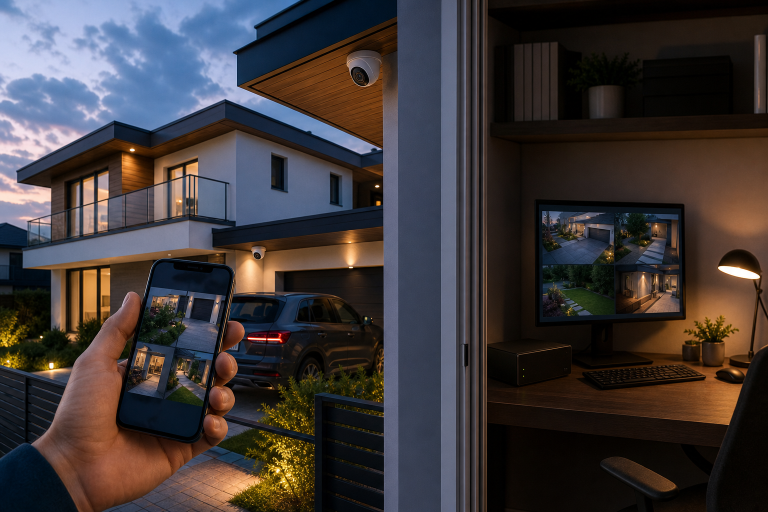
That includes video doorbells, indoor and outdoor cameras, alarm hubs, keypad panels, smart locks, garage access controllers, smart lights tied to security routines, and the phone app that manages them. Router firmware also belongs on this list because the security system depends on the home network. The Federal Communications Commission advises consumers to keep router software current and replace unsupported equipment when security updates are no longer available, according to its consumer guidance on wireless network security at home.
Traditional hardwired sensors such as basic door contacts may have little or no homeowner-facing update process. A newer wireless sensor paired to a hub often does. The update path may run through the main control panel, a manufacturer app, or an installer portal.
If your system includes cameras, this overlaps with broader privacy and network issues covered in data security risks in home security cameras.
How often should you check for home security firmware and software updates?
Monthly is a practical schedule for manual review, even if most of your devices are set to update automatically.
CISA recommends enabling automatic updates where available. That reduces the need for constant checking, but it does not eliminate it. Some manufacturers push firmware only in stages. Some let you defer installation. Others require the device to be plugged in, online, and idle before the update will apply.
A monthly check is enough for most homes because it catches stalled devices without turning this into a weekly chore. It also gives you a chance to confirm that the app, hub, and connected devices are all still supported. If your area has frequent outages or your system recently behaved oddly after an internet interruption, checking sooner makes sense.
After a major phone operating system update, a router replacement, or a power event, it is also reasonable to review the security app and device status pages.
What is the safest way to handle updates on a home security system?
The safest approach is to use automatic updates where the manufacturer supports them, then verify afterward that every critical device came back online.
That means checking the app for camera feeds, lock status, arming controls, and notification settings after the update finishes. A successful install is not the same thing as a fully working system. A camera may update but lose a custom motion zone. A phone app may update but reset permission prompts for notifications or local network access.
For alarm systems that are professionally monitored, the manufacturer or monitoring provider may publish guidance on whether panel firmware should be installer-managed. If that is the case, do not force a workaround. Follow the documented support path instead.
Two simple habits reduce risk during updates:
- Apply updates when you are home and can confirm the system returns to normal operation.
- Keep a record of device names, app logins, and two-factor recovery methods before changing anything.
Those steps are boring, but they prevent the common problem where the update itself succeeds and access fails afterward.
What can go wrong if you ignore home security updates?
Unsupported or unpatched devices can become easier targets for known exploits and more likely to fail in ordinary day-to-day use.
According to the Federal Trade Commission, outdated software and firmware can leave internet-connected devices exposed to security problems that updates are meant to fix. In a home security context, the result may be more than a nuisance. You could end up with dropped video history, unstable remote access, unreliable alerts, or a lock and app that stop communicating cleanly.
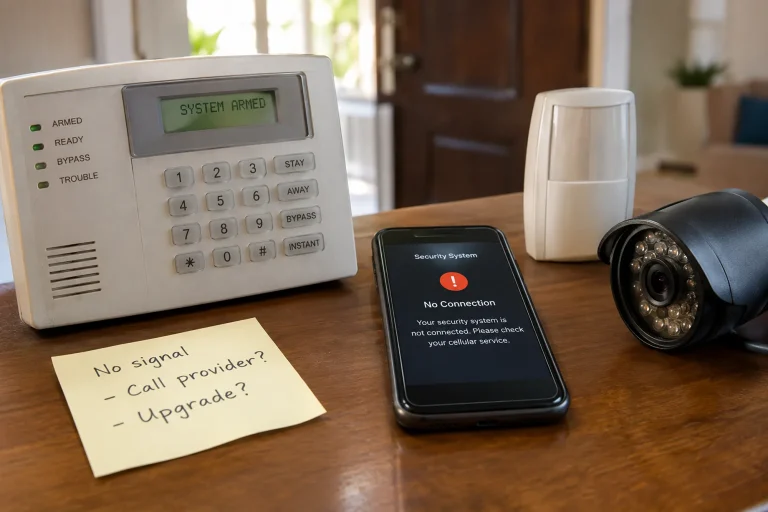
There is also a support issue. Manufacturer warranty terms and support pages for connected devices commonly distinguish between products still receiving software support and products that have reached end-of-life status. Once a device is outside its support window, you may still be able to use it, but bug fixes and security patches may stop.
That distinction matters most for older cameras and smart hubs. If the hardware still works but the vendor no longer patches it, replacement can be the more sensible move than trying to keep an aging device on your network indefinitely.
How do you know whether a security device is still supported?
The clearest answer comes from the manufacturer’s published support lifecycle, end-of-life notice, or security update policy for that specific model.
Look for model-number-level documentation, not broad marketing pages. Good manufacturer documentation usually states whether the device still receives security updates, whether app support continues, and what happens after the end-of-support date. If the company only says the product is “legacy” or “discontinued,” that is not enough by itself. You need to know whether security patches continue.
Ask these questions when support language is vague:
- Is this exact model still receiving firmware updates?
- Are security patches still issued, or only limited app compatibility support?
- Does the mobile app still support the current iOS and Android versions?
- Will cloud recording, alerts, or remote access continue after a stated date?
If you cannot get a clear answer in writing, treat the device as a candidate for replacement, especially if it controls entry points or records exterior activity.
Should you replace a device that no longer gets updates?
Replacement is usually the right call when the unsupported product handles access control, internet-facing video, or the main alarm hub.
A basic sensor that works only through a still-supported panel is a different case from a camera or lock that connects directly to your network and account. The more exposed the device is, the less sense it makes to keep using unsupported hardware. For a camera, the lower-cost fix may be replacing only that camera rather than the whole system. For a hub that everything depends on, partial replacement often stops making sense.
Watch for vague sales pressure here. “Outdated” is not enough reason by itself to replace hardware. “No longer receives security updates from the manufacturer” is a real reason. Ask for the exact support document or end-of-life notice.
If you are also reviewing your broader setup after a security concern, home security hacking prevention is the more relevant next read than a product comparison.
What settings should you review after an update?
Permissions, alerts, recording rules, and automation routines deserve the first check because those are the settings most likely to affect real-world protection.
Start with app notifications on the phone. Then review camera motion zones, person or package detection settings if your device supports them, alarm arming schedules, lock auto-lock timing, shared-user access, and any integration with voice assistants or smart home platforms. If your system uses cloud recording, confirm the subscription status and retention settings still match what you expect.
Login security belongs on this list too. The National Security Agency advises keeping mobile devices updated and using strong authentication practices. For homeowners, that means reviewing whether two-factor authentication is enabled on the account that controls the system, especially after app changes or phone replacement.
One more practical check matters after storms or outages: make sure the time zone, event history, and offline notifications still look normal. If they do not, the issue may be a connectivity setting rather than a bad device.
When should a homeowner call for help instead of handling updates alone?
A professional should take over when the system controls entry, includes professional monitoring, or fails to come back online cleanly after an update or outage.
This is not the place for trial and error if the alarm panel is stuck, the lock firmware failed mid-process, or cameras covering key entry points are unreachable. Manufacturer support documentation often separates homeowner-manageable app tasks from installer-level panel or integration work. Follow that boundary.
You should also get help if the update process reveals a larger problem, such as unsupported hardware, inconsistent Wi-Fi coverage, or unclear ownership of the admin account. Those are system issues, not just update issues. If a provider cannot explain who manages firmware, who manages app credentials, and what happens when the product reaches end-of-support, the quote or service agreement is not clear enough.
FAQ
Do home security cameras update automatically?
Many current models do, but the exact behavior depends on the manufacturer and the device settings. Some cameras install updates quietly, while others download automatically and wait for your approval to restart or complete installation.
Can outdated firmware make a smart lock less secure?
Yes, unsupported or unpatched lock firmware can increase risk if the manufacturer has already addressed known issues in later releases. A lock that no longer receives security updates is a stronger replacement candidate than a basic sensor with limited exposure.
Should you update your alarm system right away every time?
Prompt installation is usually the safer choice for security fixes, especially when the manufacturer identifies the release as important. For critical entry or monitoring equipment, apply updates when you can confirm the system returns to normal operation afterward.
What is the difference between firmware and software in a home security system?
Firmware runs on the device itself, such as a camera, hub, or lock. Software usually refers to the mobile app, web portal, or cloud service you use to control and review the system.
How long do manufacturers support home security devices?
Support periods vary by company and model, so the only reliable answer is the published lifecycle or end-of-life notice for that exact product. If the manufacturer will not clearly state whether security updates still continue, plan as if support may be ending.
If you need help sorting out whether a device should be updated, reconfigured, or replaced, a qualified security professional can review the system and give you a clear written scope. Please call a listed specialist for a free, no-obligation discussion.
Sources: Apple Support, Google Android Help, manufacturer warranty terms and end-of-life notices for specific home security devices