Home Security With Pets: Simple Ways to Stop False Motion Sensor Alerts
Focus Keyword: smart home security with pets
Pets can complicate home security, but the system can be effective when you manage layout and settings. Most false alerts from dogs and cats come from how a motion sensor is aimed, how sensitive it is set, and whether the device was designed to ignore smaller moving bodies in the first place. If you fix those three things first, you can usually keep strong coverage without setting your system to ignore real activity.
Pets change how a security system behaves inside a home. A cat that jumps onto furniture, a dog that roams at night, or a pet sitter who uses a side door can all affect what should trigger an alert and what should not. The practical goal is simple: reduce nuisance alarms while keeping the parts of the house that matter protected.
If your system also includes cameras, this guide pairs well with security camera installation cost for planning and home security hacking prevention for account and network protection.
Why do pets trigger motion sensors in the first place?
Most indoor alarms react because the sensor detects movement and heat patterns in a protected area, and pets can fit that pattern under the wrong conditions. Many residential motion detectors use passive infrared sensing, often called PIR, which looks for changes in heat moving across zones. According to the National Institute of Standards and Technology, PIR sensors respond to changes in infrared energy within their field of view rather than recognizing a person by identity.
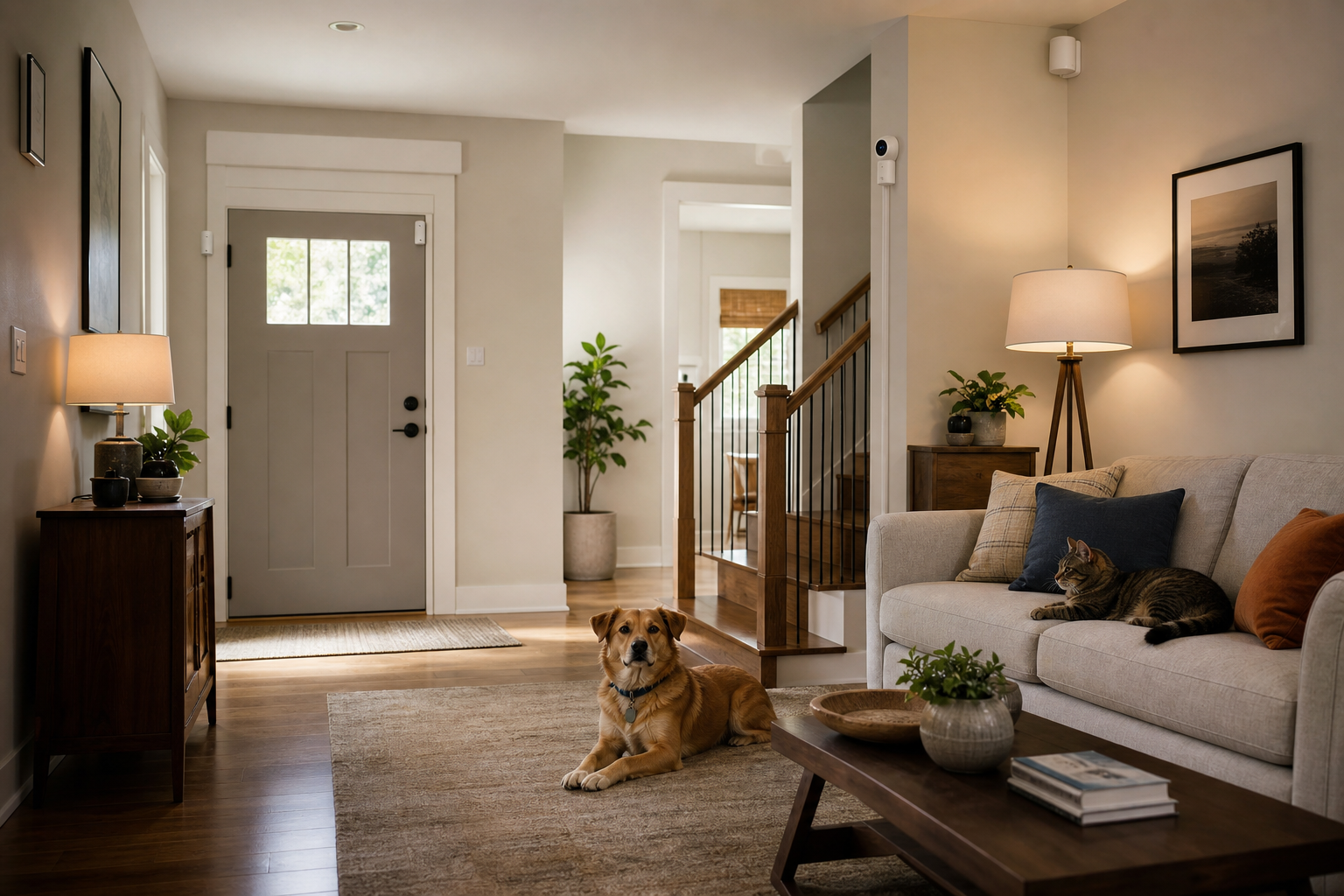
That is why a large dog crossing a hallway can look significant to the sensor, especially if the detector is mounted too low or pointed toward stairs, sofas, or sun-warmed floors. A cat can also trigger a sensor by climbing onto a table, shelf, or back of a couch and moving through the detection pattern.
Room conditions matter too. Direct sunlight, moving drapes near HVAC airflow, and reflective surfaces can complicate detection patterns, depending on the device design and the room layout. Manufacturer installation guides from Honeywell Home and Bosch both emphasize mounting height, aiming, and keeping sensors away from heat sources, windows with direct sun exposure, and air movement that can interfere with performance.
What is the best way to prevent pet movement from triggering motion sensors?
The most reliable fix is a combination of pet-immune motion sensors, correct mounting height, and a walking path for pets that stays below or outside the sensor’s intended detection zone. Any one of those steps can help, but the biggest improvement usually comes when they are used together.
Choose sensors built for pets
Many indoor motion detectors are specifically rated as pet-immune, which means the manufacturer designed the device to ignore animals up to a stated weight or under certain movement conditions. Bosch and DSC publish pet-immunity specifications for selected models, typically with stated installation limits and mounting instructions that must be followed for the feature to work as intended.
Those limits are not universal. A sensor rated for one weight range by one manufacturer should not be treated as equivalent to a different model from another brand. Check the exact product sheet or installation manual before buying, especially if your dog is large or your cat climbs.
Mount the sensor where the manufacturer says
Installation height is one of the biggest factors in false alarms. Manufacturer instructions commonly specify a narrow mounting range because the lens pattern is engineered for that height. If the detector is mounted too low, the lower beams may pick up pets more easily. If it is mounted too high, coverage can become inconsistent.
Avoid aiming at furniture, stairs, and landing zones
The ideal coverage path is usually across open floor space where a person would walk, not toward objects your pet uses as a launch point. A cat that jumps from the floor to a console table may suddenly move into the most sensitive part of the detection field. A dog running down stairs can also appear larger to the sensor because of the changing angle and elevation.
Where should motion sensors go in a pet-friendly home?
The safest locations are usually entry transition areas and hallways where people must pass, but where pets can be kept low and out of the main detection pattern. That often means mounting a detector in a corner that looks across a room rather than straight down at the floor.
According to the Consumer Product Safety Commission, home security devices work best when they are selected and placed to fit the home’s actual use patterns, including how people move through doors and rooms. For pet owners, that means planning around interior traffic, pet sleeping areas, and furniture placement before adding more devices.
Good candidates often include first-floor hallways, the space between a garage entry and the rest of the house, and rooms with limited climbing surfaces. Weaker candidates often include rooms with tall cat trees, staircases, large front windows with heavy sun exposure, or furniture directly under the detector.
Should you rely more on door and window sensors than indoor motion sensors?
For many pet owners, perimeter protection is the easier solution because contact sensors on doors and windows do not care whether your dog walks through the living room at 2 a.m. A well-planned perimeter setup can let you arm the house at night without depending heavily on interior motion detection.
This approach is often better when pets roam freely. Door contacts, window contacts, glass-break sensors in the right rooms, and smart locks can create a strong shell around the home while reducing the chance of nuisance trips indoors. If you are considering whether every opening needs the same level of detection, see glass break sensors for a room-by-room way to think about coverage.
That does not mean indoor motion sensors have no role. They still add value in areas that should never have movement when the system is armed, such as a formal room or finished basement that pets do not access. The key is using them selectively instead of placing them everywhere by default.
How should you set up cameras and smart alerts when you have pets?
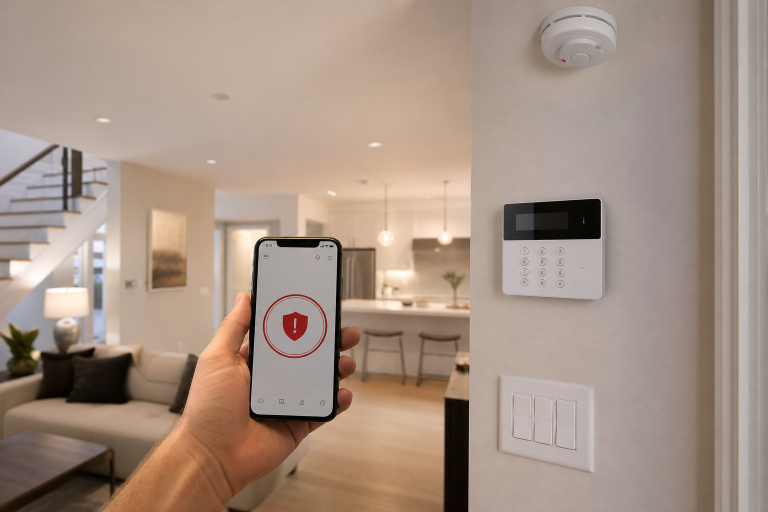
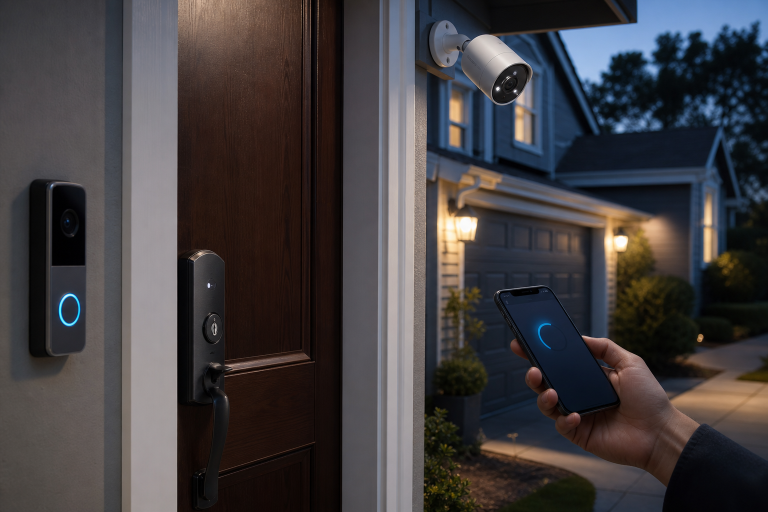
Smarter notifications come from activity zones, person detection features, and careful camera angles rather than from turning every alert on. Modern camera platforms often let you choose whether to notify for people, vehicles, packages, or general motion. When pets are part of daily life, those settings matter more than raw camera resolution.
According to product support guidance from Google Nest and Ring, motion zones and alert categories can be adjusted to narrow what generates a notification. The practical use for a pet owner is straightforward: exclude the floor area where a dog naps, avoid aiming indoor cameras at pet doors, and prioritize person alerts where that option exists.
Indoor cameras should also be aimed away from moving tails, food stations, and sunny windows if possible. An entry-facing angle that captures a doorway and the path beyond it is usually more useful than a wide shot of the whole room. Outside, trim back plants that sway into the frame and review whether your porch camera sees a pet yard gate that opens and closes during the day.
What arming modes work best in homes with pets?
Most households do better with at least two clear routines: a stay mode that protects the perimeter while you and your pets are inside, and an away mode that adds selected interior sensors only when the house is empty. That setup reduces confusion and lowers the chance that someone arms a sensor that should have been bypassed.
Use names in the app that match real life. “Night,” “Away,” and “Pet sitter” are easier to use correctly than vague custom labels. If your platform allows automation, a pet sitter code that disarms only the zones they need can be cleaner than sharing the main code.
One small process change helps a lot: test each mode during normal household activity. Walk the dog through the usual route. Let the cat move through its favorite room. Then review the event log to see what actually triggered.
What common setup mistakes cause false alarms in pet homes?
Common problems are oversensitive settings, poor aiming, and buying a pet-immune sensor without following the installation conditions in the product instructions. Those mistakes are easy to miss because the system may seem fine during a quick daytime test.
- Mounting a detector too low or too high for the listed design height
- Aiming toward stairs, sofas, shelves, or cat trees
- Placing a sensor near HVAC vents, fireplaces, or strong sun exposure
- Using general motion alerts on cameras instead of person detection or activity zones
- Letting pets access rooms that were assumed to be empty when armed away
- Skipping a walk-through test after rearranging furniture
Furniture changes are a bigger deal than many homeowners expect. A new bench under a window or a moved bookcase can create a climbing path that did not exist when the sensor was first installed.
When is a professional security installer the better choice?
A professional is the better choice when your pets are large, your floor plan is open, or your system includes mixed brands and advanced automation. In those homes, the issue is often design coordination rather than a single bad device.
According to the Alarm Industry Communications Committee, false alarm reduction depends on proper installation, maintenance, and user training together. A qualified installer can map walking paths, check whether your current devices are actually pet-rated, and set up arming modes that fit your household instead of forcing you into one default profile.
This is also where it pays to ask for plain language in writing. The quote should identify which sensors are pet-immune, where they will be mounted, what arming modes will be created, and whether post-install testing is included. Vague language is where scope problems start.
What other tips help keep a secure home when you have pets?
The best added protections are the ones that reduce dependence on indoor motion while making daily routines easier to manage. Pet ownership changes the rhythm of a home, so security works better when it follows that rhythm.
- Use door and window contacts on the openings your household actually uses most
- Add smart locks so dog walkers or sitters can use unique codes instead of shared keys
- Keep pet doors in view of a camera or protect that area with a sensor plan designed around it
- Review app notifications so only meaningful events reach your phone
- Check battery status on wireless devices before travel or boarding periods
- Update household routines after adopting a new pet or moving furniture
If you have already had a security incident, the priorities change a bit. In that case, this related guide on home security after a break-in can help you think through the next steps without overbuilding the system.
FAQ
Can cats trigger pet-immune motion sensors?
Yes, cats can still trigger some pet-immune sensors if they climb into the main detection area or if the device is installed outside the manufacturer’s stated conditions. Jumping onto furniture is one of the most common reasons.
Are pet-immune motion sensors enough by themselves?
No, the hardware alone is usually not enough because placement, mounting height, and room layout affect whether the sensor can ignore normal pet activity. The device and the installation have to match.
Is it better to turn indoor motion sensors off at night?
For many homes, yes, a stay or night mode that relies on perimeter sensors is the cleaner setup when pets roam after bedtime. That keeps protection on doors and windows without inviting avoidable indoor trips.
How heavy can a dog be for a pet-immune sensor?
The limit depends on the exact model because manufacturers publish different weight and installation conditions for different sensors. Check the product specification or installation manual for the specific device rather than relying on a generic number.
Do cameras with person detection reduce pet alerts?
Yes, person detection can reduce nuisance notifications when the platform supports it and the camera is aimed well. Activity zones still matter because a poor angle can create unnecessary events even with smarter software.
Should you replace your whole security system if pets keep setting it off?
No, a full replacement is often unnecessary if the real problem is sensor placement, settings, or room selection. A targeted redesign of indoor coverage is usually the more practical first step.
If you want help sorting out false alerts, weak coverage, or a better pet-friendly layout, getting a written assessment from a qualified security installer is a reasonable next step. Please call a listed specialist for a free, no-obligation discussion.
Sources: Honeywell Home installation guides, Bosch Security Systems product specifications, DSC product specifications, Google Nest support guidance, Ring support guidance