Home Security Preparation for an El Nino Winter Storm Outage
A winter power outage can interrupt alarms, cameras, internet service, outdoor lighting, and powered entry devices. The practical goal is not to make every device run indefinitely, but to identify which parts of the security setup must remain available, understand their limits, and arrange a safe fallback plan before severe weather is expected.
An El Niño season is not an outage forecast, but an increased risk and opportunity to review and strengthen home systems. Treat it as a prompt to review storm readiness rather than a reason to buy equipment on its own. A written plan, charged phones, working mechanical locks, and accurate system settings often solve more immediate problems than a quick reaction to buy more gear.
What should a home security plan protect during a winter outage?
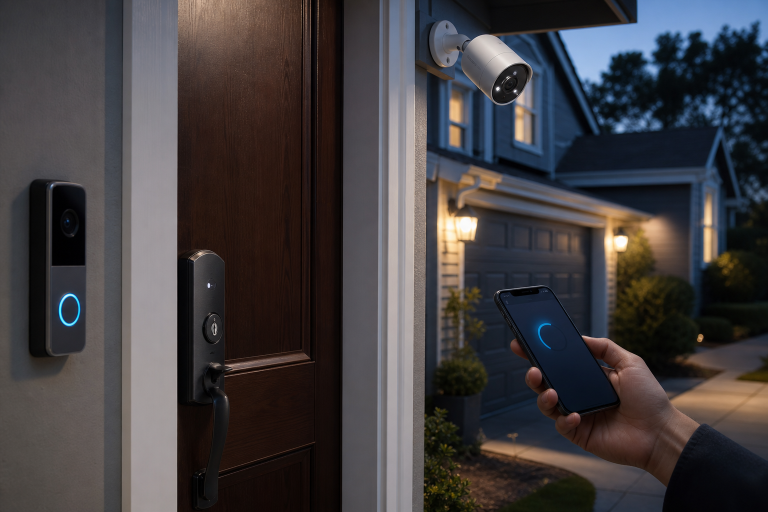
Start with the ability to enter and leave safely, receive essential alerts, and know whether the home is secure when normal power and internet service are unavailable. Make a short list of every item that depends on electricity: the alarm base station, keypad, modem, router, Wi-Fi access points, cameras, video doorbell, smart locks, garage-door opener, exterior lighting, and any monitoring communicator. Next to each item, note whether it has a battery, whether it needs home internet, and whether it has cellular service.
When a home goes offline, a monitored alarm and a camera system serve different jobs. An alarm may still communicate through its own cellular path while Wi-Fi cameras cannot upload live video. Conversely, a camera with local storage may retain footage even when remote viewing is unavailable. A homeowner should decide in advance which outcome matters most: alarm signaling, local evidence, remote video, exterior visibility, or access control.
For a broader decision framework, see critical home security questions for power outages and storm damage.
Will an alarm, camera, or smart lock keep working without power?
Each device can remain available only for as long as its particular power and communications paths remain intact. The alarm panel may have a built-in battery, but a Wi-Fi camera also needs its own power source, the router needs power, and the internet connection must still function for off-site viewing.
The Federal Communications Commission’s backup-power guide explains that services relying on home equipment can stop during an outage unless that equipment has backup power. The same dependency applies to a home security chain: battery power at one device does not restore a disabled modem, router, or internet service.
Smart locks need separate attention. A lock may still operate with a physical key even when its app features are unavailable, but that depends on the lock design and its batteries. Keep the correct physical key where it can be reached without electronic access, and make sure every adult who may need entry knows where it is. Do not leave a key outdoors in an obvious hiding place, consider using a realtor style lock box and place it in a hidden location.
How should backup power be matched to security equipment?
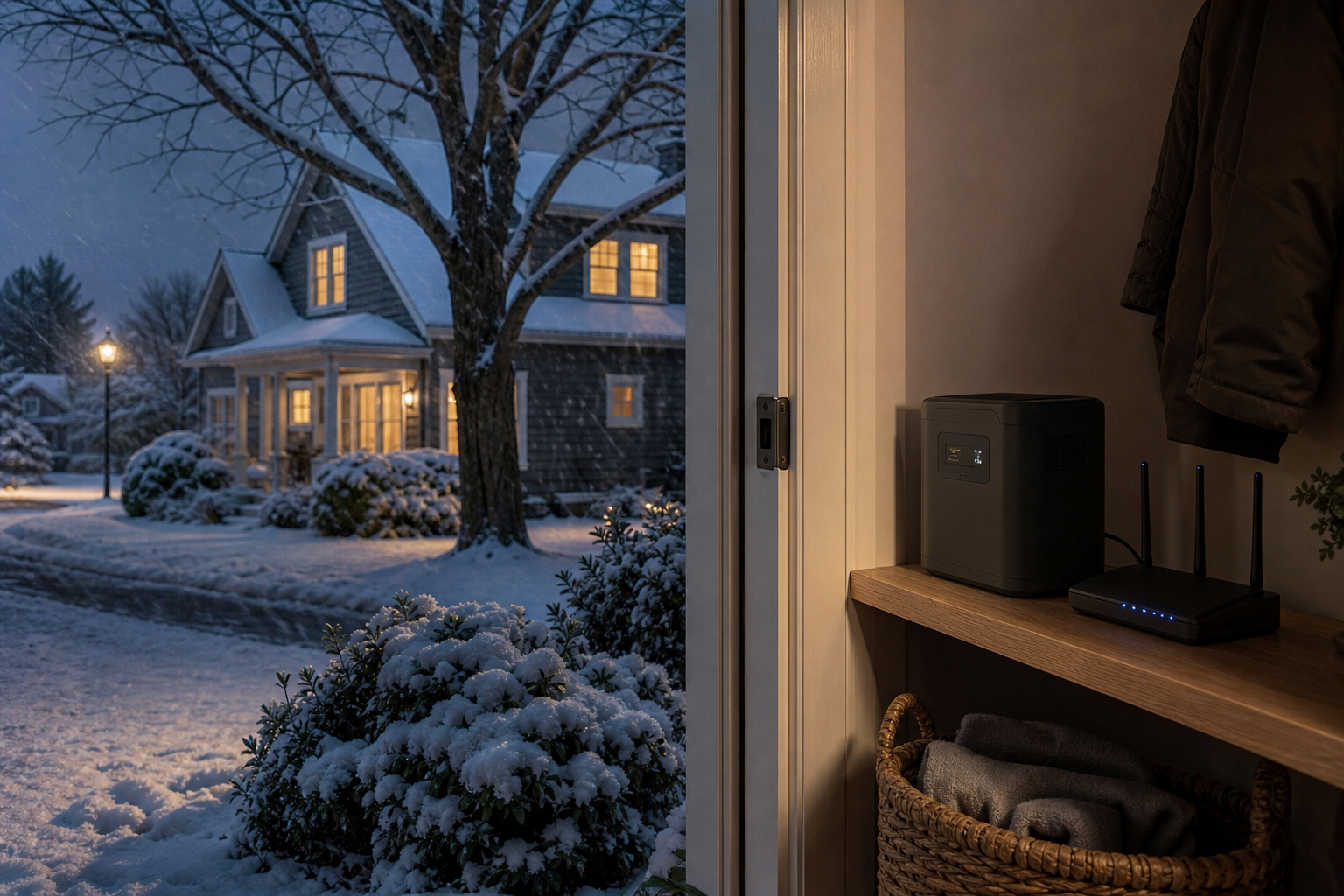
A small battery backup is most useful when it supports a defined group of low-power devices, usually the modem, router, and security hub. Read the equipment labels and the backup unit’s published capacity, output limits, and battery instructions. A battery backup that runs a network stack might be enough to preserve alarm communication and remote access for a limited period, while it may not be appropriate for large loads such as space heaters, appliances, or central heating equipment. Keep its outlets accessible and avoid adding unplanned devices during an outage.
Should a generator be used to keep security equipment online?
A generator can supply selected equipment, but you may want to go with a power bank instead of a gas-powered generator if your needs allow. A gas poowered generator introduces fuel, carbon-monoxide, fire, and electrical hazards that require a separate safety plan. The Federal Emergency Management Agency’s generator safety fact sheet says to use portable generators outdoors and at least 20 feet from doors, windows, and vents, with the exhaust directed away from the home.
For security equipment alone, a properly sized battery backup is often the simpler choice. A generator becomes a broader household decision involving heating, refrigeration, medical needs, or extended outages. Do not run a generator in a garage, basement, porch, or other enclosed or partially enclosed area, even if doors or windows are open. Do not connect a portable generator to home wiring unless a qualified electrician has installed the appropriate transfer equipment.
During an outage, use flashlights rather than candles for routine light. Ready.gov’s power-outage guidance specifically advises using flashlights instead of candles to reduce fire risk. Put one flashlight near the primary exit, one near the bedroom area, and spare batteries in a known dry location.
How can camera and alarm accounts remain secure?
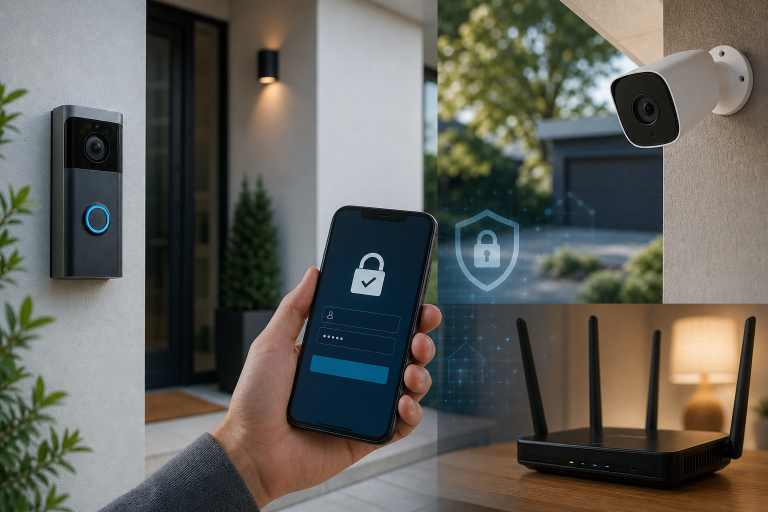
Keep account access secure by using unique, strong passwords and multi-factor authentication where the system supports it. CISA’s Secure Our World guidance recommends strong passwords and multi-factor authentication as core protections for online accounts.
Storm preparation can lead people to share app logins with relatives, neighbors, or temporary caretakers. A safer approach is to use the system’s authorized shared-user or guest-access feature when it exists, set only the permissions required, and remove access when the arrangement ends. Avoid sharing a primary account password by text message.
Also review notification volume. A camera that sends repeated motion alerts during snow, blowing branches, or a power restoration cycle can obscure a meaningful alert. Adjust settings only if the product offers a documented mode that preserves the coverage needed at doors and other entry points. Privacy settings deserve the same review, particularly when cameras face a driveway, sidewalk, or neighboring property. More detail on account exposure is available in this guide to data security risks in home security cameras.
What should be done when an outage begins?
Protect communications first, then switch to a prepared access and lighting plan rather than making major system changes. Check the alarm app or keypad for its reported status, preserve phone battery, and use the physical key if a smart lock or garage opener is unavailable.
Keep exterior doors and windows secured in the ordinary way. If storm damage affects a lock, window, roofline, electrical service, or another part of the building envelope, document the condition from a safe location and arrange appropriate professional help. The National Weather Service advises monitoring official forecasts and warnings through its winter-weather safety guidance; local emergency instructions take priority over a home-security routine.
What should a contractor quote include for backup or security upgrades?
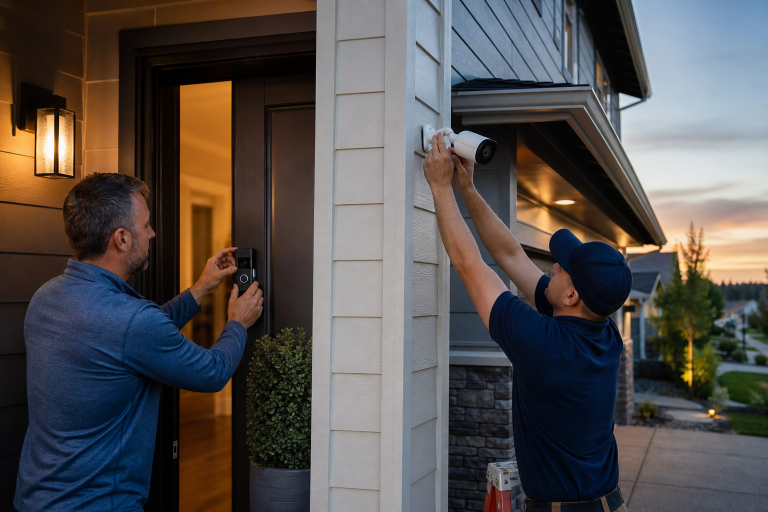
A useful quote identifies the exact equipment, power scope, communications assumptions, installation work, and ongoing service terms before work begins. Vague language such as “backup ready” or “storm proof” does not establish runtime, coverage, monitoring behavior, or responsibility when internet service fails.
- The exact model numbers and included batteries or backup units.
- Which devices will receive backup power and which will not.
- The expected operation stated as a manufacturer specification, including the conditions that affect it.
- Whether cellular alarm communication, internet connectivity, local recording, or cloud access is included.
- Any electrical work, permits, transfer equipment, or subcontractors required.
- Written labor warranty terms, manufacturer warranty terms, and recurring monitoring or cloud fees.
Pressure to approve work before the scope is written down is a reason to pause. A lower-cost option may be entirely adequate when the actual need is limited to keeping a modem, router, and alarm hub operating for a specific period of time. Whole-home power solutions should be considered only when they address broader household needs and its scope has been clearly specified.
FAQ
How long will a home security system work when the power goes out?
Runtime depends on the specific alarm panel, battery backup, cameras, router, modem, and communications service. Check the published documentation for every device, because a battery-backed alarm hub does not establish that Wi-Fi cameras or remote video will remain available.
Do security cameras record during an internet outage?
Some cameras may record if their model has local storage and still has power, while cloud-dependent cameras generally need a functioning internet connection to upload footage. The product’s storage and outage documentation is the reliable way to confirm what a particular camera will do.
Can a smart lock be opened during a power outage?
Many smart locks use internal batteries and may retain local operation during a household outage, but app access and connected features can depend on the network. Keep the lock’s physical key available when the product includes a key cylinder.
Is a portable generator needed for a security system?
No, a portable generator is usually unnecessary when the goal is limited to supporting a security hub and home network for a documented period. A properly selected battery backup may be the simpler option, while a generator requires safe outdoor operation and should be part of a larger power plan.
If the current setup has unclear battery status, recurring offline alerts, or an undefined backup-power scope, ask a qualified security or electrical provider for a written assessment and quote tailored to the equipment already in the home. Please call a listed specialist for a free, no-obligation discussion.