Expert Strategies for Remote Home Security Monitoring: Keeping Your Property Safe from Anywhere
Modern technology has transformed the way we protect our homes. With the rise of smart devices, remote monitoring solutions offer homeowners unprecedented control and peace of mind. Whether you travel frequently, have a second property, or simply want to keep a watchful eye on your residence, understanding best practices for remote home security monitoring is critical. This guide explores expert strategies, the latest tools, and actionable tips to ensure your home remains protected—wherever you are.

Why Remote Home Security Monitoring Matters
Remote monitoring allows homeowners to oversee their property in real time, no matter their physical location. This capability deters potential intruders, helps prevent property damage, and provides immediate alerts in case of emergencies. The evolution of smart home technology, combined with reliable internet connectivity, has made remote security both accessible and highly effective.
Core Components of a Remote Home Security System
For optimal protection, a comprehensive remote security system should consist of several interconnected components. Choosing the right combination enhances coverage and responsiveness.
1. Smart Security Cameras
- High-definition video: Offers clear footage for identifying intruders or incidents.
- Two-way audio: Enables communication with visitors or potential intruders.
- Motion detection: Triggers alerts and recordings only when activity is detected, reducing false alarms.
- Night vision: Ensures round-the-clock visibility.
- Cloud storage: Allows access to footage even if the camera is damaged or stolen.
2. Smart Sensors and Detectors
- Door and window sensors: Alert you to unauthorized entry points.
- Motion sensors: Detect movement in and around the home.
- Glass break sensors: Recognize the sound of breaking glass, signaling a forced entry.
- Environmental sensors: Monitor smoke, carbon monoxide, water leaks, and temperature changes.
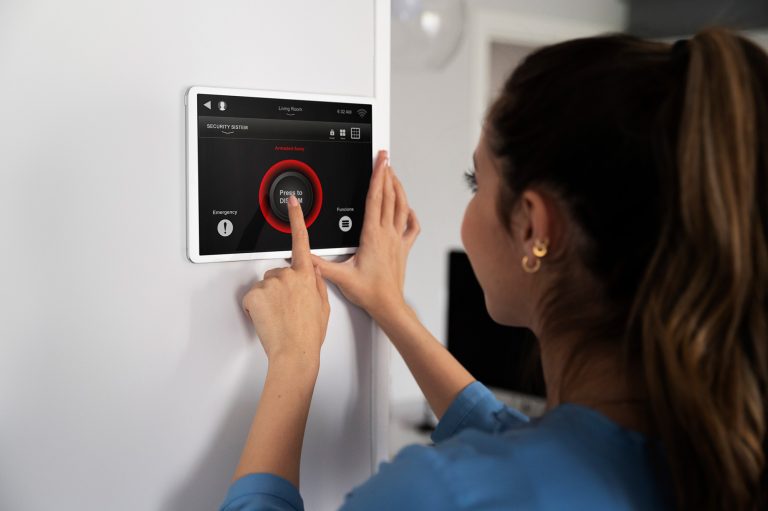
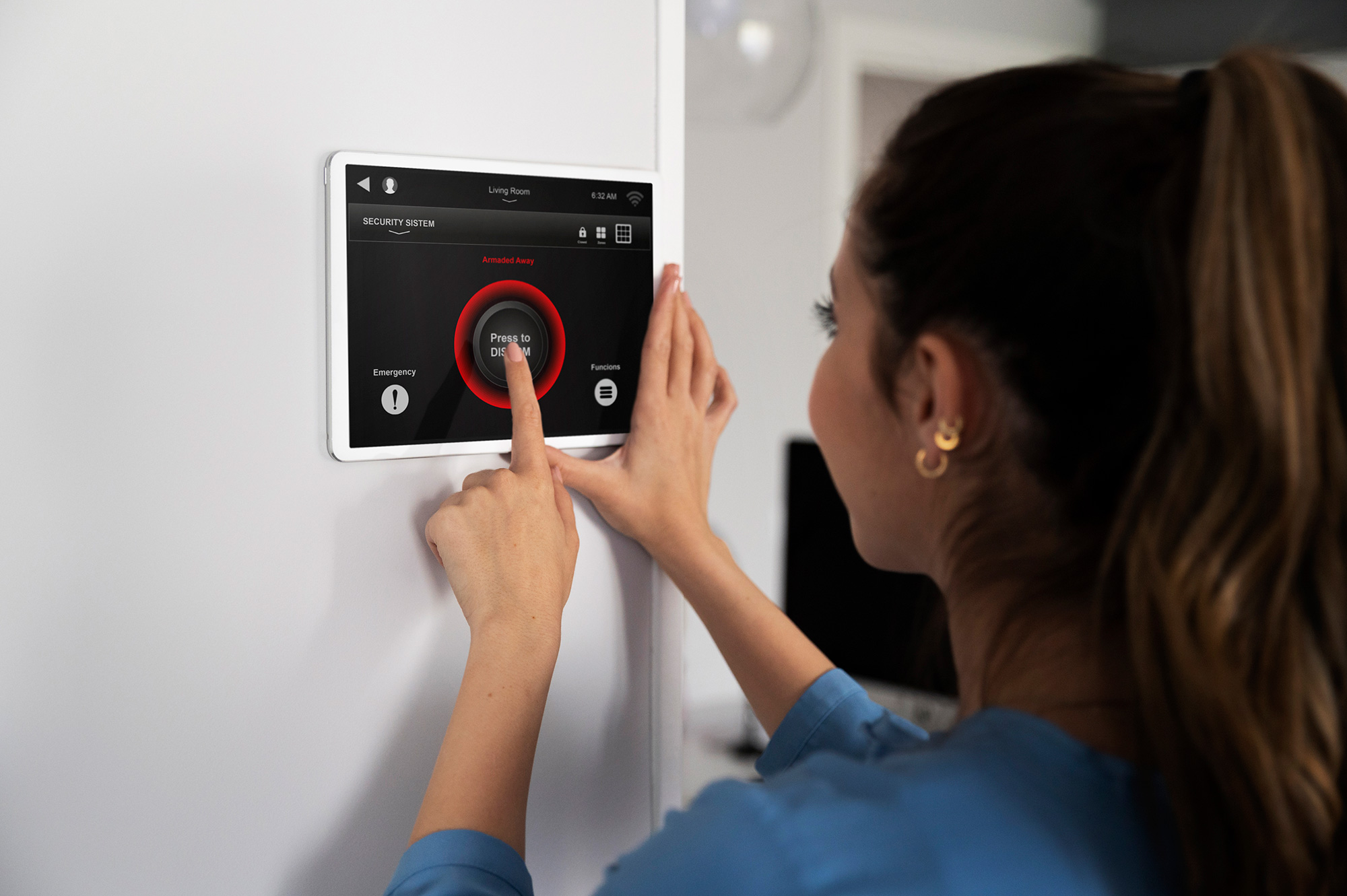
3. Security Hubs and Control Panels
The hub serves as the command center, integrating all devices and providing a secure communication channel between your home and your mobile device. Many hubs support voice assistants and can automate responses based on triggers.
4. Mobile Apps and Remote Access
User-friendly apps grant real-time access to your security system, allowing you to arm/disarm alarms, view camera feeds, and receive instant alerts.
Best Practices for Remote Home Security Monitoring
Implementing the right strategies maximizes the effectiveness of your remote monitoring system. Here are industry-recommended best practices:
1. Prioritize Device Placement
- Install cameras at entry points, driveways, and common areas for comprehensive coverage.
- Avoid blind spots by overlapping camera fields of view.
- Mount devices out of easy reach to deter tampering.
2. Secure Your Network
- Use strong, unique passwords for all devices and accounts.
- Enable two-factor authentication (2FA) on your security system and network router.
- Regularly update firmware to patch vulnerabilities.
- Consider creating a separate Wi-Fi network for security devices.
3. Customize Alerts and Automations
- Set up real-time push notifications for critical events (e.g., motion detected at night, doors opening during work hours).
- Automate lights or alarms to activate when unusual activity is detected.
- Integrate your system with smart assistants for voice control and routines.
4. Maintain Privacy
- Disable unnecessary device features like microphones in sensitive areas.
- Regularly review access logs and permissions for all users.
- Follow manufacturer guidelines for data storage and sharing.
5. Routinely Test and Update Your System
- Conduct monthly system checks to ensure all devices function properly.
- Simulate emergency scenarios to confirm timely notifications and responses.
- Replace batteries and review cloud storage to avoid lapses in coverage.
Integrating Professional Monitoring Services
While DIY systems offer direct control, professional monitoring provides an added layer of security. Monitoring centers can dispatch emergency services if you can’t respond to an alert. Many modern systems allow seamless integration, letting you toggle between self and professional monitoring as needed.
Examples of Effective Remote Monitoring Setups
Scenario 1: Frequent Travelers
A business traveler installs indoor and outdoor cameras, sets up door/window sensors, and uses a mobile app to monitor activity. Scheduled automations turn lights on at sunset, mimicking occupancy. Real-time alerts allow for immediate responses to unexpected events.
Scenario 2: Second Home or Rental Property Owners
Owners deploy environmental sensors to detect leaks or smoke, in addition to security cameras. Remote access enables them to monitor maintenance workers or renters and receive alerts about maintenance issues before they become costly.
Scenario 3: Families with Children
Parents set up indoor cameras in common areas and use two-way audio to communicate with kids arriving home. Custom alerts notify them if doors open during school hours, and smart locks allow remote granting of access to trusted family members.
Addressing Common Challenges
False Alarms
To reduce false alarms, fine-tune motion sensitivity settings and create activity zones that ignore areas with frequent movement from pets or passing cars.
Power Outages and Connectivity Issues
- Choose systems with battery backups and cellular connectivity.
- Monitor device health via your mobile app and set up alerts for offline devices.
Privacy Concerns
Opt for systems with end-to-end encryption and transparent privacy policies. Regularly audit who has access to your feeds and data.
The Future of Remote Home Security Monitoring
Emerging technologies such as artificial intelligence, advanced analytics, and 5G connectivity are enhancing the capabilities of remote security. AI-powered cameras can distinguish between people, animals, and objects, reducing false alarms. Integration with smart home ecosystems enables even greater automation, such as triggering alarms and contacting authorities automatically.
Conclusion: Stay Secure, Stay Connected
Remote home security monitoring empowers you to protect your loved ones and property with flexibility and efficiency. By combining the right technology, thoughtful placement, network security, and regular maintenance, you can create a robust system that works for your lifestyle. Whether you’re across town or across the globe, peace of mind is only a tap away.